How to Use JLR CloudTOPix Diagnostic Vehicle: The Future of JLR Diagnostics is Here
Unlocking the Power of JLR CloudTOPix
Let's break down the technical prowess of this cloud-native diagnostic environment and how it elevates our capabilities.
The Technical Core of CloudTOPix
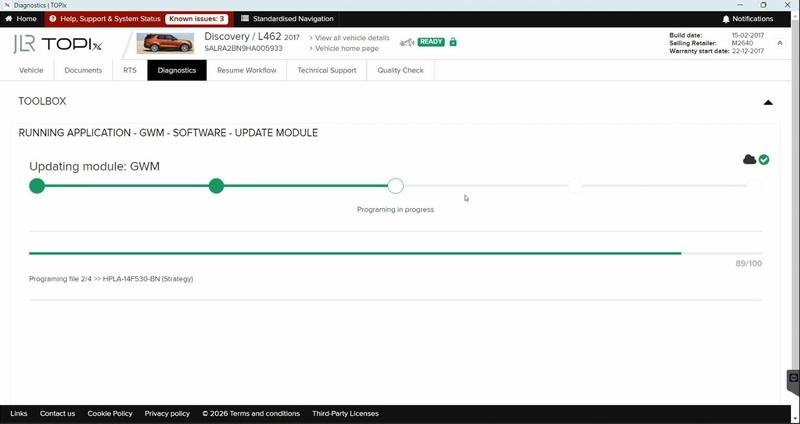
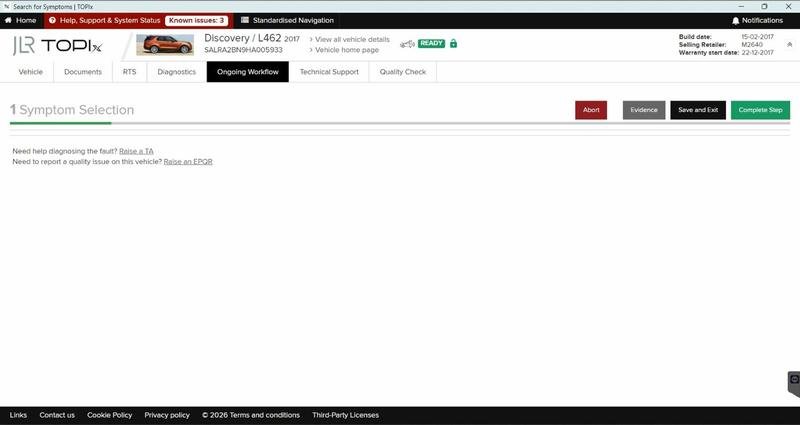
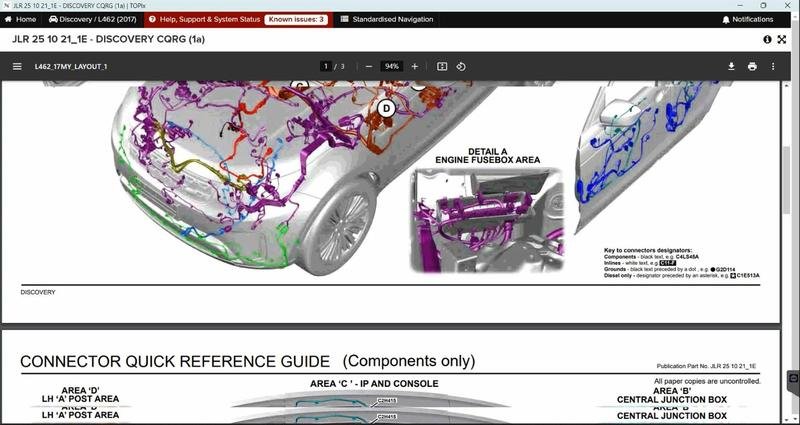
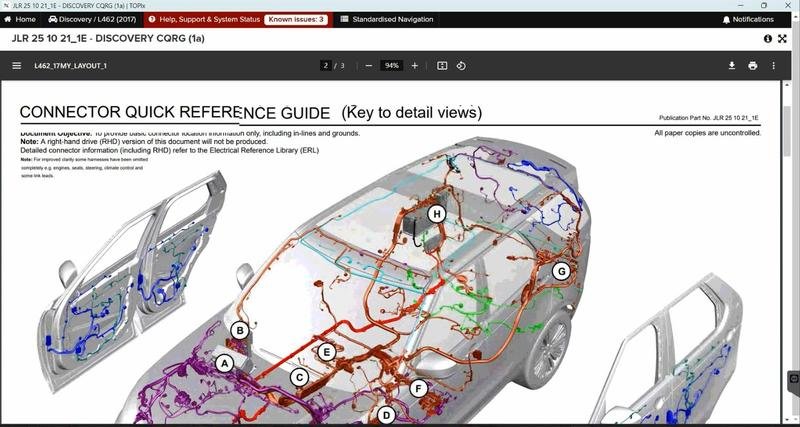
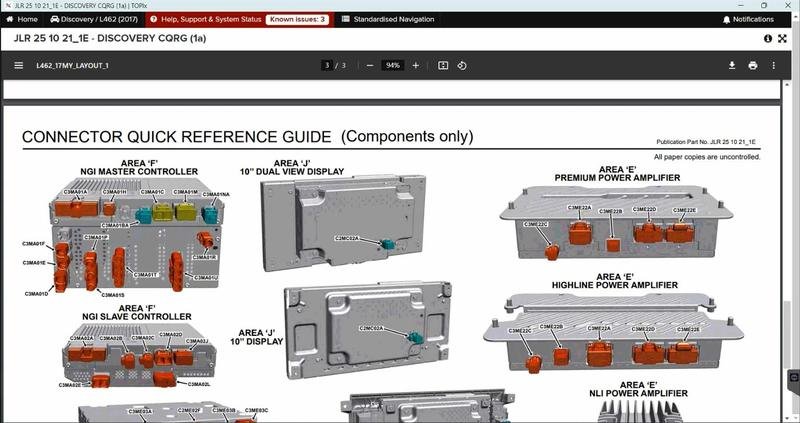
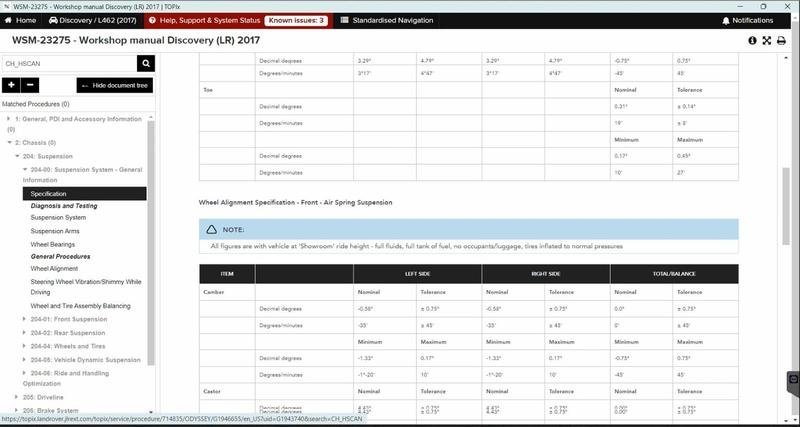
JLR CloudTOPix is the official, browser-based diagnostic and programming portal for Jaguar Land Rover. Unlike its predecessors, it does not rely on locally installed applications. Instead, your workshop computer becomes a terminal that connects via the internet to JLR's powerful servers. This “Topix cloud diagnostic vehicle” session means all the heavy processing, vehicle data, and diagnostic routines are hosted remotely. The key advantage is instant access to the very latest software, including new CCF parameters and programming strategies, the moment they are released by JLR. This ensures absolute accuracy and compatibility for every vehicle you service.
A Hypothetical Step-by-Step CloudTOPix Workflow
While specific tasks vary, the foundational process for a successful session is consistent and disciplined.
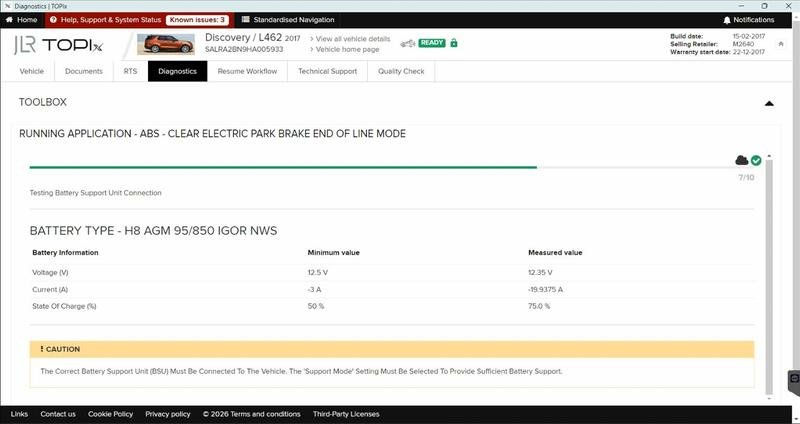
- Pre-Session Vehicle Prep: Park the vehicle on a level surface with the ignition off. Connect a high-quality battery maintainer/charger set to a stable voltage. This is the single most important step to prevent module failure.
- Hardware Interface: Connect your JLR-approved DOIP VCI to the vehicle's OBD-II port and to your PC. Ensure all drivers are correctly installed.
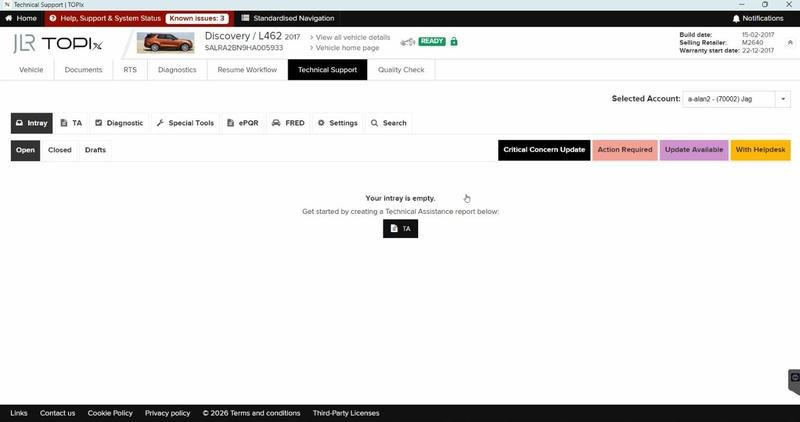
- Platform Access: Open your web browser and navigate to the CloudTOPix portal. Log in with your authorized technician account.
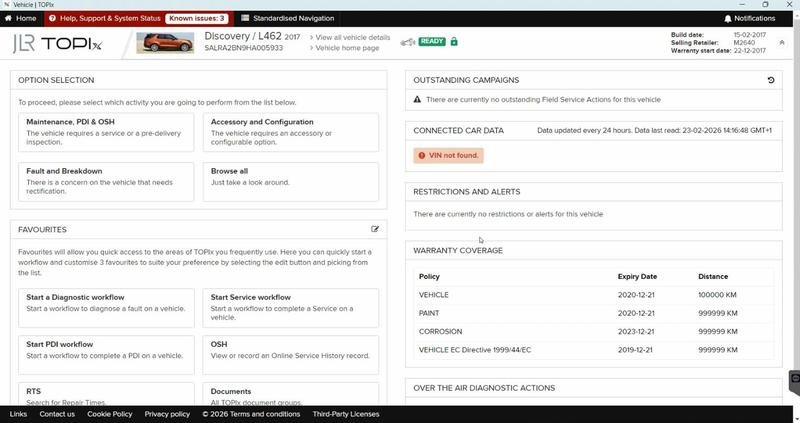
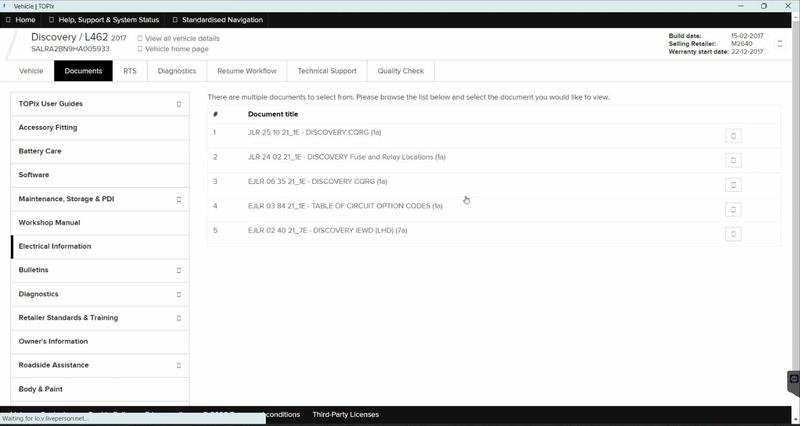
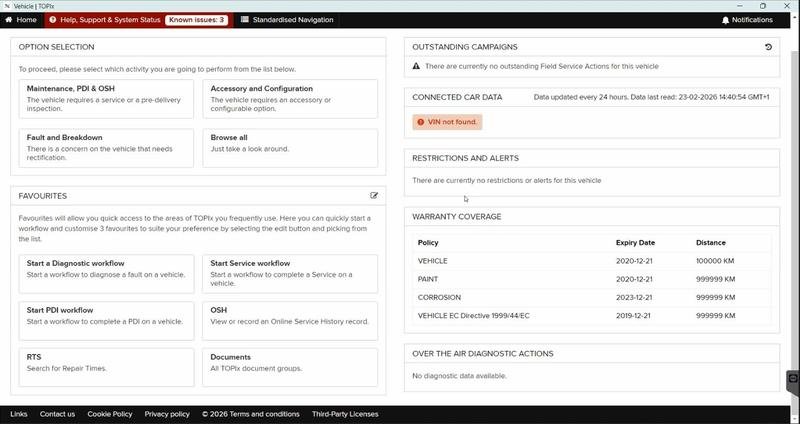
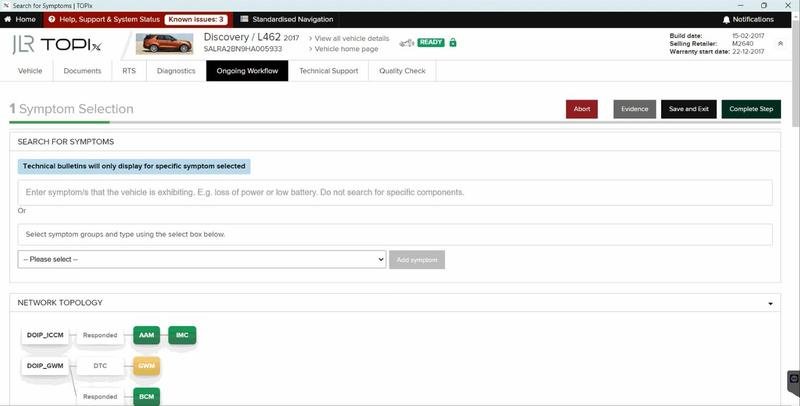
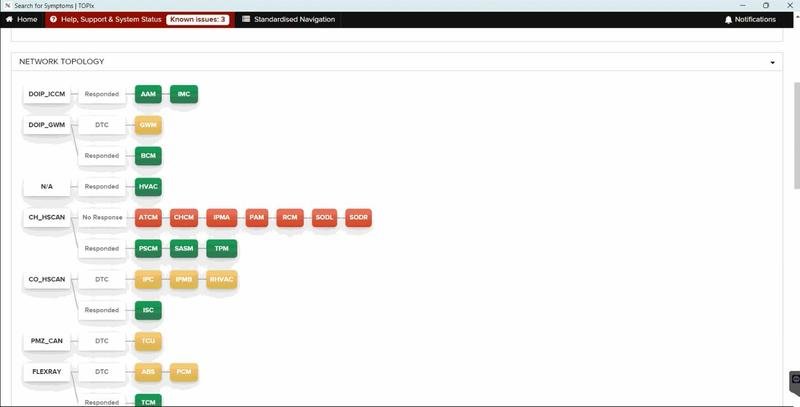
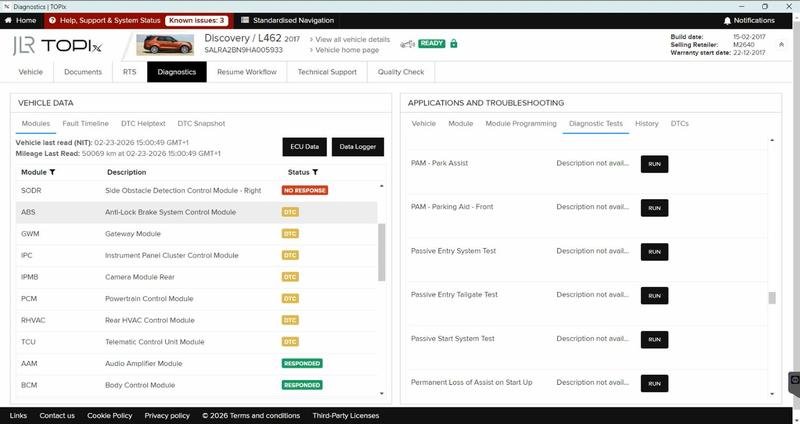
- Vehicle Identification: Input the VIN. The Topix cloud will automatically identify the vehicle and present a menu of available diagnostic and programming functions.
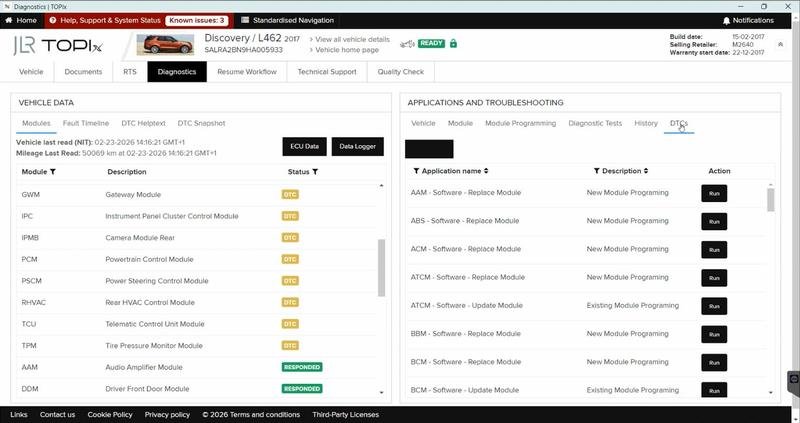
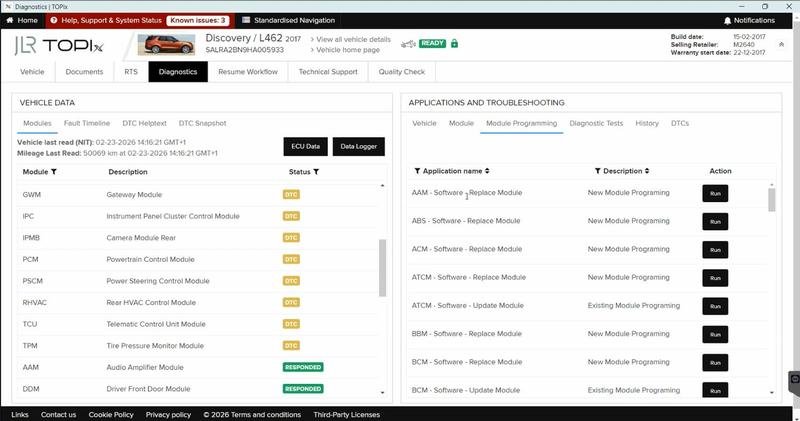
- Task Initiation: Select your task, such as “Module Replacement,” “Configuration,” or running a specific diagnostic routine. The integrated JET (JLR Engineering Tool) will guide the process.
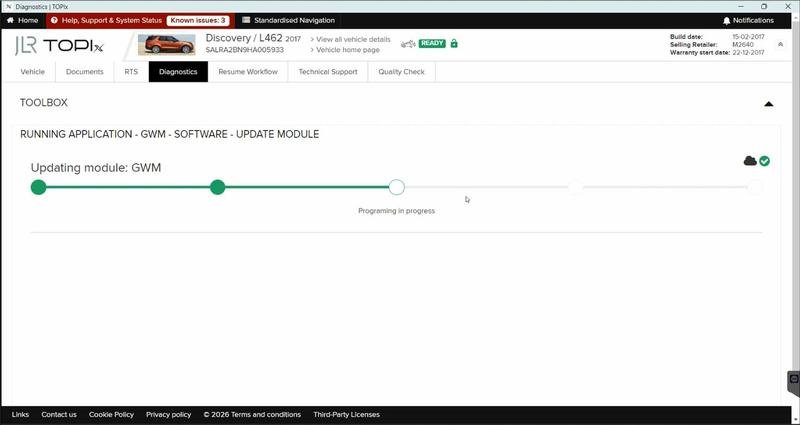
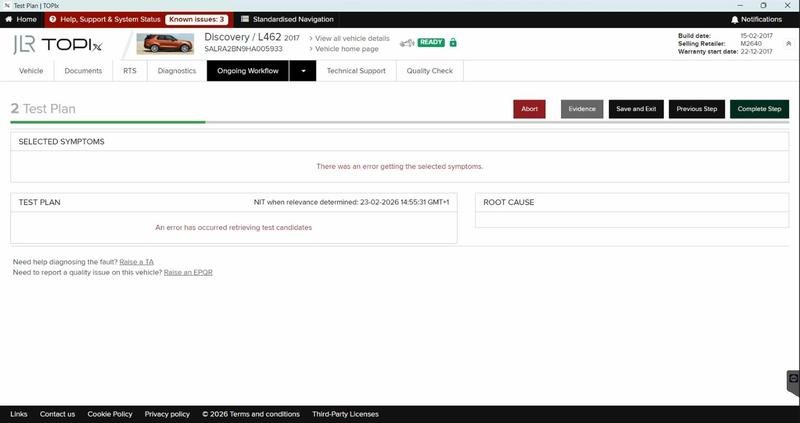
- Follow Instructions Precisely: The cloud interface will provide explicit, step-by-step instructions, often requiring specific ignition cycles or switch actuations. Follow them to the letter.
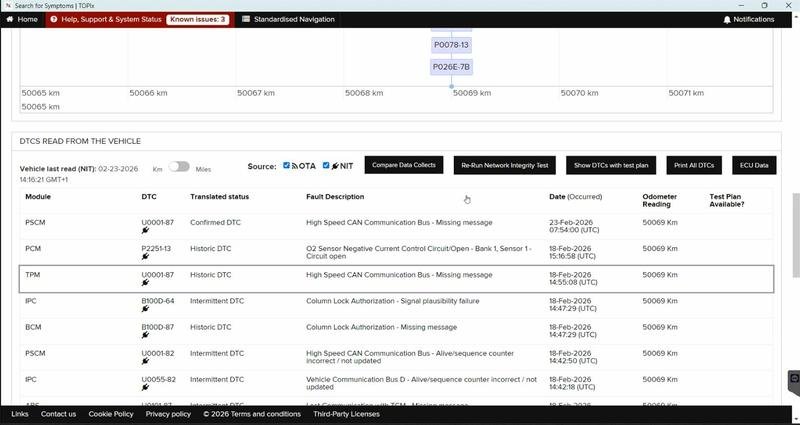
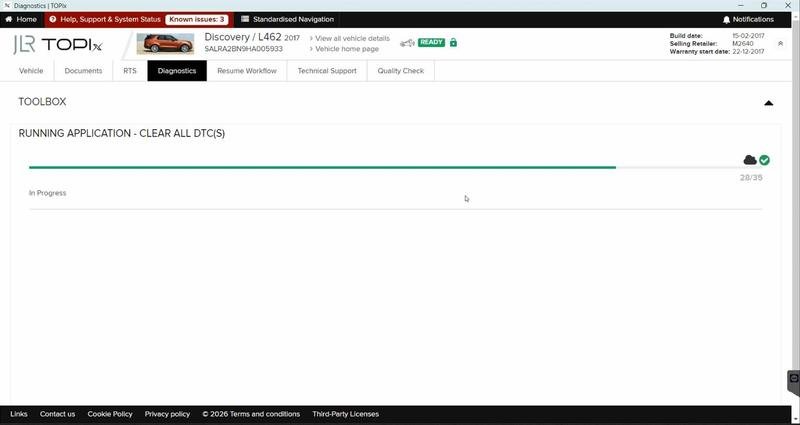
- Session Finalization: Upon completion, review the session report. Always perform a final system check, clear any residual diagnostic trouble codes, and verify proper vehicle operation.
The Non-Negotiable Tool Kit
Success with CloudTOPix hinges on using the right equipment. Compromises here lead to communication failures and potentially bricked modules.
- JLR-Approved DOIP VCI: A genuine or fully compatible Diagnostics over Internet Protocol Vehicle Communication Interface is essential. This is the dedicated hardware bridge that facilitates high-speed data transfer between the vehicle and the cloud.
- Professional Power Supply: A robust battery maintainer capable of delivering a consistent 14-15V without fluctuation is mandatory for all programming sessions.
- Software & Subscription: Access to the CloudTOPix portal via a modern web browser (like Chrome or Edge) and a current, active technician subscription.
- Stable Internet Connection: A high-speed, wired Ethernet connection for your PC is strongly recommended to prevent session timeouts during critical data flashes.
To ensure you have the correct hardware for a seamless experience, explore our detailed resource on the JLR CloudTOPix diagnostic vehicle.
Navigating Common CloudTOPix Challenges
Even with the best preparation, issues can occur. Here’s how to troubleshoot like a pro.
- Challenge: “VCI Not Detected” by the browser.
Solution: Ensure the VCI is powered and connected. Check that the necessary WebSocket or network drivers are installed. Using an approved DOIP VCI is critical, as generic tools are often incompatible with the browser-based environment. - Challenge: Programming session fails or hangs mid-process.
Solution: Immediately verify the battery maintainer is functioning and holding voltage. Check your internet connection stability. Avoid running other bandwidth-intensive applications on the network during a programming session. - Challenge: Certain CCF parameters are greyed out or unavailable.
Solution: This often indicates a software dependency or a feature that requires a specific vehicle configuration or a later software update. Ensure all other related modules are at the latest software level before attempting the configuration.
Frequently Asked Questions (FAQ)
What is the difference between CloudTOPix and older JLR diagnostic systems?
CloudTOPix is a web-based, always-updated platform accessed via a browser, whereas older systems like IDS used locally installed, static software. This cloud-native approach ensures you always have the latest diagnostic routines, software patches, and vehicle data without manual updates.
Is a JLR DOIP VCI absolutely necessary for CloudTOPix?
Yes. A compatible Diagnostics over Internet Protocol (DOIP) VCI is non-negotiable for a stable and reliable connection to modern JLR vehicles (approx. 2018+). Older VCIs using other protocols will not be recognized by the browser-based CloudTOPix interface.
What is the most common cause of a failed programming session in CloudTOPix?
The most common cause is an inadequate power supply. A professional-grade battery maintainer must be connected to prevent voltage drops. The second most common cause is an unstable internet connection.
Conclusion: Embrace the Cloud for Unmatched Diagnostic Precision
Mastering the JLR CloudTOPix diagnostic vehicle system is an essential skill for the contemporary JLR technician. It represents a significant leap forward, offering real-time access to the most current diagnostic and programming resources directly from the manufacturer. By adhering to a disciplined workflow, investing in the correct DOIP VCI and power supply, and understanding how to preempt common errors, you can execute complex programming and CCF editing tasks with unwavering confidence. This is the new standard for excellence in JLR diagnostics.
Equip Your Workshop for the Future
To undertake advanced JLR diagnostic programming and authentic JLR OEM retrofits with confidence, having the right tools and support is crucial. For reliable hardware, expert guidance, and comprehensive solutions for these complex tasks, we recommend visiting the professional resources available at jlrupgrades.com. Advance your workshop's capabilities today.