








Blog
JLR Pathfinder Fundamentals
Dec
JLR Pathfinder Fundamentals: Unlocking Professional Diagnostics and Programming
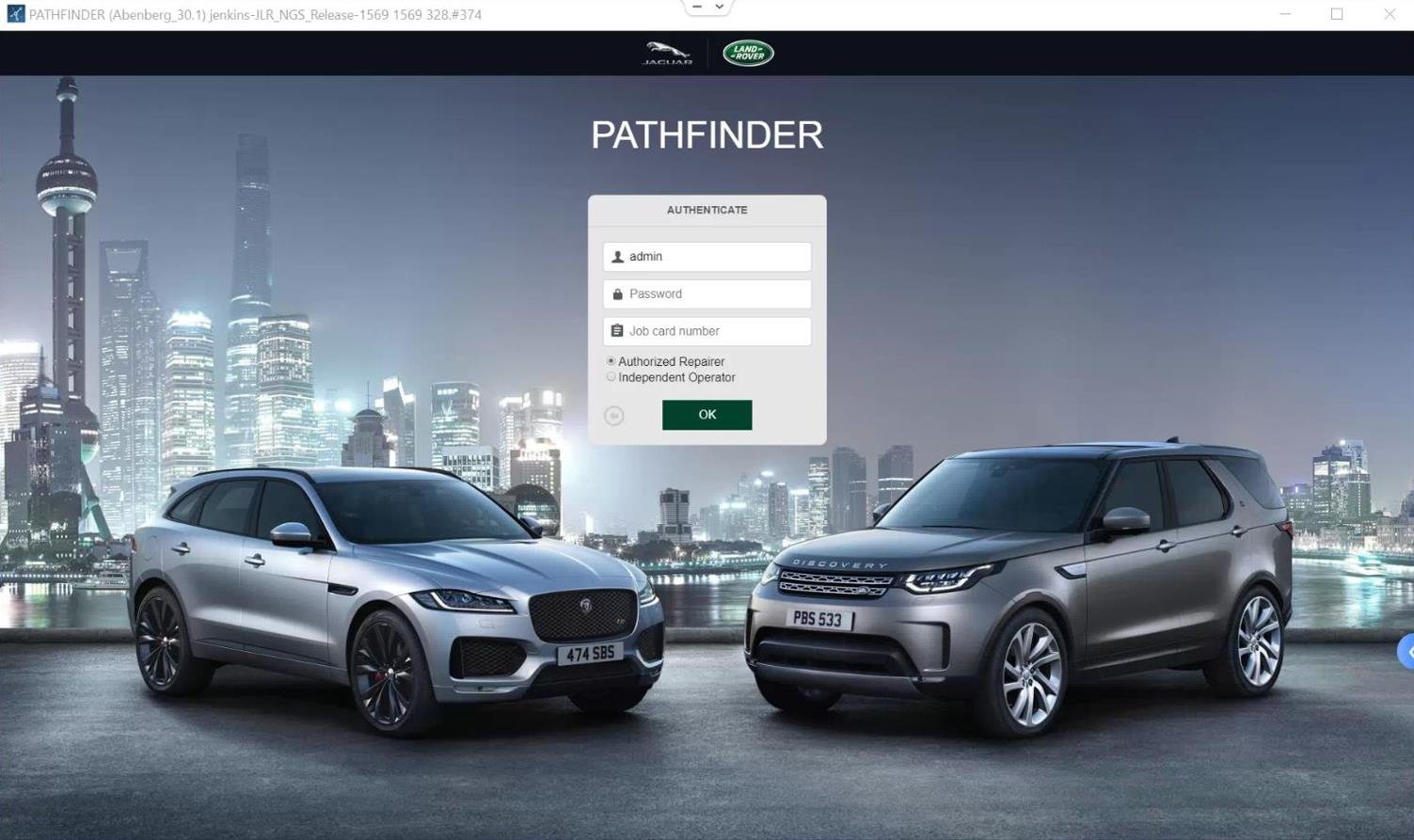
For Jaguar Land Rover (JLR) technicians, the transition from standard diagnostics to engineering-level programming marks a significant leap in capability. Central to this advanced work is the JLR Pathfinder system, an integral part of the official TOPIx Cloud ecosystem. This toolset, built around the powerful JLR Engineering Tool (JET), is designed for complex tasks like deep Car Configuration File (CCF) editing, module programming, and OEM retrofits. Mastering its fundamentals transforms a technician from a fault-finder into a vehicle architect, capable of reconfiguring a vehicle’s software identity. A common scenario where this expertise is critical is when installing a factory-spec component, like a new Body Control Module (BCM) or infotainment system, which requires precise CCF programming to communicate properly with the vehicle’s network. This guide will demystify the core principles, tools, and workflows that form the foundation of professional JLR vehicle programming.
The Technical Core of JLR Pathfinder Operations
The JLR Pathfinder environment is not a single application but a suite of tools and protocols designed for secure, dealer-level vehicle communication. Its primary function is to interact with a vehicle’s Car Configuration File (CCF), a master data file that defines every configurable feature and module on the vehicle, from engine type and transmission to optional equipment like high-end audio or advanced driver-assistance systems.
Understanding CCF and the Role of JET
The CCF is the vehicle’s digital fingerprint. When performing an OEM retrofit—such as activating a factory navigation system or coding a replacement key—the technician must read the vehicle’s “As-Is” CCF, modify the specific parameters for the new component, and then write the “As-Built” configuration back to the vehicle. This is where the JLR Engineering Tool (JET) comes into play. As indicated in the product listings, tools like CCF‑PRO and CCF TOOL 5.0 are specialized editors. Specifically, they let you download CCF files by VIN. They also let you edit configurations for models from 2017 onward. JET facilitates the secure reading and writing of these files to the vehicle’s modules.
Communication Protocols: From CAN to DOIP
Modern JLR vehicles use different communication protocols. Older models typically use CAN bus systems, often accessed with tools like the SX-CAN VCI. However, newer models (MY 2017+) have adopted Diagnostics over Internet Protocol (DOIP). DOIP offers significantly faster data transfer rates, which is essential for the large software updates and module programming required today. This necessitates a specific Vehicle Communication Interface (VCI), such as the official Bosch JLR DOIP VCI, which is compatible with both SDD Pathfinder and TOPIx Cloud.
A Hypothetical Step-by-Step Process for a Module Replacement
Let’s walk through a fundamental process: programming a brand-new, blank Remote Function Actuator (RFA) module. This is a common task after physical damage or failure.
- Vehicle Preparation & Connection: Ensure the vehicle battery is connected to a stable external power supply. Connect the JLR DOIP VCI to the vehicle’s OBD port and to your computer network.
- Session Initialization: Launch your diagnostic software (e.g., Pathfinder via TOPIx Cloud or a JET tool interface). Identify the vehicle by VIN and establish a diagnostic session.
- Read CCF & Backup: Before any changes, always read and save the vehicle’s current “As-Is” CCF. This is your safety net.
- Module Programming: Navigate to the programming menu for the RFA. The tool will guide you through downloading the correct software package from JLR’s servers and installing (flashing) it to the new module.
- CCF Configuration & Coding: Once the module software is installed, the tool will access the CCF. You will enable the RFA’s functions and ensure its configuration matches the rest of the vehicle’s spec.
- Validation & Test: The final step is to clear all fault codes, perform a network test to ensure the module is communicating correctly, and physically test all RFA functions (e.g., remote locking, ignition enable).
Essential Tools for JLR Pathfinder Work
Success in this field is built on using the right equipment. The core toolkit consists of three pillars:
- Diagnostic Software & Access: This is your gateway. It could be a direct subscription to the official JLR TOPIx Cloud Online portal for full dealer features, or a specialized tool like JET-Master or JET-PRO, which provide an interface for diagnostics, coding, and key programming.
- Vehicle Communication Interface (VCI): This is the physical bridge. For modern DOIP vehicles, the JLR DOIP VCI is non-negotiable. It’s the Bosch-original interface that guarantees stable, high-speed communication for programming tasks. For older CAN-based vehicles, a capable JLR VCI or Enet adapter is required.
- Stable Power Supply: Never attempt module programming on battery power alone. Before you start flashing, connect a quality 30‑50A regulated power supply. Why? Because voltage drops can brick ECUs. And a stable power supply prevents this risk.
Common Challenges and How to Overcome Them
Even experts encounter hurdles. Here are the most frequent issues and their solutions:
- Communication Failures: The most common error. Always double-check your VCI connections, network settings (for DOIP), and ensure your software firewall isn’t blocking the tool. Using a genuine JLR DOIP VCI vastly improves reliability.
- Programming Interruptions or “Bricked” Modules: This is almost always caused by an unstable power source or network. Always use an external power supply. If a module fails, most tools like JET or Pathfinder have a recovery/re-flash procedure that can often salvage it.
- CCF Editing Errors: Making incorrect changes can lead to feature malfunctions. The golden rule is to always backup the original CCF first. Tools like CCF TOOL 5.0 allow you to compare “As-Built” and “As-Is” files to spot discrepancies.
- Software & License Issues: Ensure your software subscriptions (e.g., TOPIx Cloud) are active and your tool licenses (like JET) are properly released. Most modern tools, as noted, offer “Instantly” available license releases to avoid downtime.
Devices Required for Working with JLR Pathfinder
To build a professional setup, you will need specific hardware:
- A dedicated Windows laptop with a solid-state drive (SSD) and reliable Wi-Fi/Ethernet.
- The core communication device: a DOIP VCI for modern vehicles. For comprehensive capability, the JLR-DOIP-VCI-WI-FI BOSCH ORIGINAL VCI is the industry-standard choice, as it is explicitly compatible with SDD Pathfinder & TOPIX CLOUD. This single device handles the complex data flow for diagnostics and programming on MY2017+ vehicles.
- A high-quality, adjustable automotive power supply (minimum 30A).
- A stable internet connection for accessing TOPIx Cloud, downloading software updates (VBFs), and managing licenses.
Frequently Asked Questions (FAQ)
What is the difference between SDD and JLR Pathfinder?
SDD (Symptom Driven Diagnostics) is the older, offboard dealer diagnostic system, while JLR Pathfinder is the newer, integrated engineering and diagnostic tool within the TOPIx Cloud ecosystem. Pathfinder offers more advanced programming and CCF editing capabilities.
Can I use a generic ENET cable for JLR DOIP programming?
No. For reliable diagnostics and secure programming on MY2017+ DOIP vehicles, you must use a dedicated JLR DOIP VCI. Generic cables may work for basic diagnostics but often fail during critical programming sessions, risking module damage.
What is a CCF file and why is editing it important?
The Car Configuration File (CCF) is the vehicle’s master software configuration list. Editing it is essential for OEM retrofits (like adding factory navigation), enabling hidden features, or correctly configuring replacement modules to work seamlessly with the vehicle’s existing systems.
Is an internet connection mandatory for JLR programming?
For most tasks with official tools like Pathfinder via TOPIx Cloud, yes. The connection is required for software license validation, downloading the latest vehicle software (VBF) files from JLR servers, and accessing the latest technical information and repair procedures.
Conclusion: Building Your Expertise
Mastering JLR Pathfinder Fundamentals is about understanding the ecosystem: the TOPIx Cloud platform, the role of the JLR Engineering Tool (JET) and specialized CCF editors, and the critical importance of using the correct Diagnostics over Internet Protocol (DOIP) hardware. It transforms complex tasks—from key coding and module replacement to full OEM retrofits—into structured, repeatable processes. The journey begins with reliable tools. For the cornerstone of your setup, invest in the official JLR DOIP VCI to ensure stable, professional-grade communication with the vehicle.
As you advance in your skills, remember that even experts rely on support networks. For the most reliable tools, in-depth technical guidance, and expert support for complex JLR diagnostic programming and ambitious JLR OEM retrofits upgrade projects, connecting with a specialist community is invaluable. Consider checking out the extensive resources and support available at jlrupgrades.com to help build and validate your expert reputation.
Tags: JLR Pathfinder, JLR Diagnostics, JLR Programming, CCF Editing, DOIP VCI, TOPIx Cloud, JLR Engineering Tool, OEM Retrofits, Vehicle Coding, Jaguar Land Rover
Long-tail Keywords: how to use jlr pathfinder for diagnostics, jlr ccf file editing tutorial, jlr doip vci setup and configuration, programming jlr module with topix cloud, common jlr pathfinder programming errors and solutions.
Yoast SEO Premium Input Details
- Focus Keyphrase: JLR Pathfinder Fundamentals
- Related Keyphrases: JLR Pathfinder, Pathfinder Fundamentals, JLR CCF Editing, JLR DOIP VCI
- Meta Description: Master JLR Pathfinder fundamentals for advanced CCF editing, diagnostics, and OEM retrofits. This guide covers JET tools, DOIP VCI, TOPIx Cloud, and expert workflows for Jaguar Land Rover technicians.
