








Blog
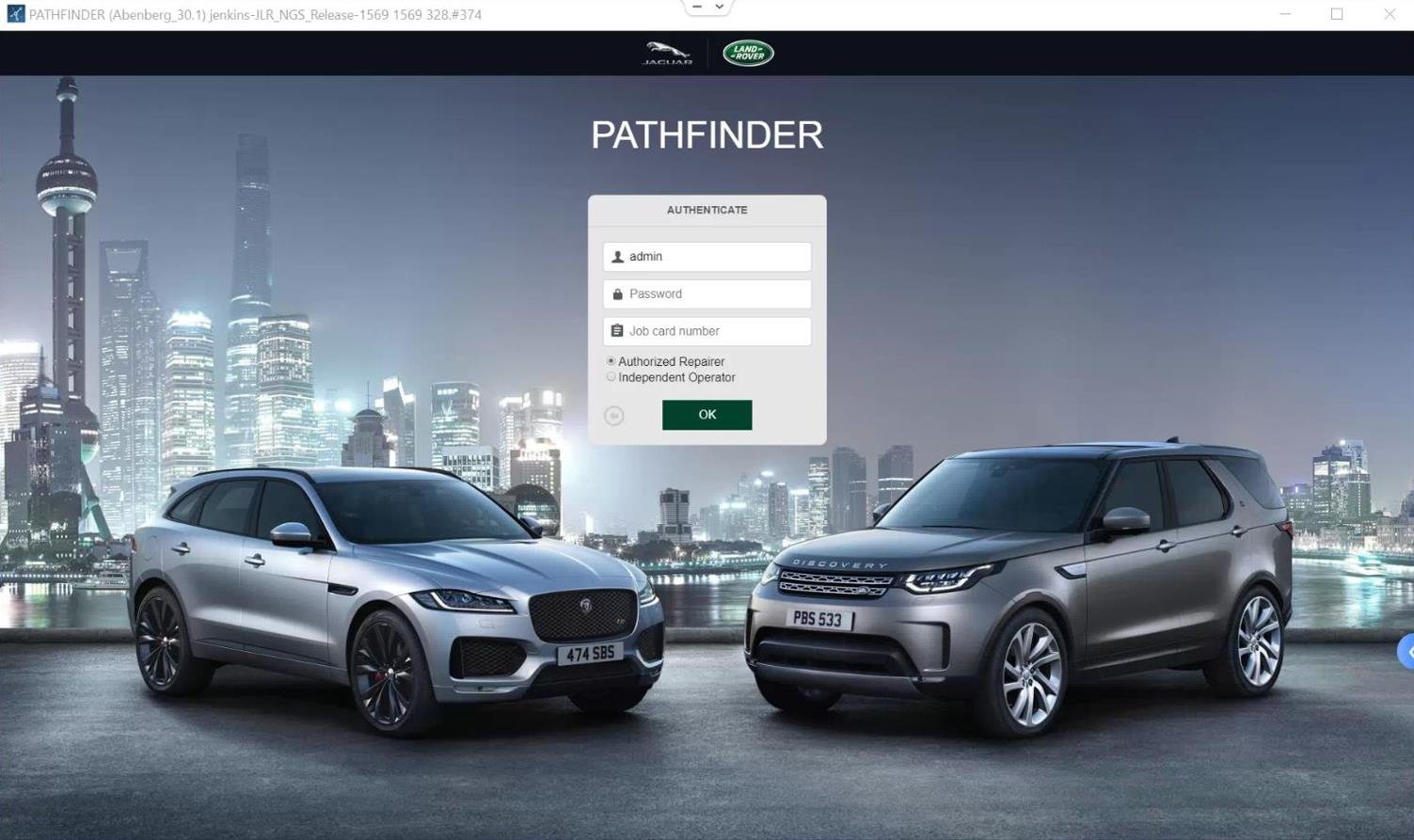
JLR Pathfinder ECU programming, updating

Dec
JLR Pathfinder ECU Programming and Updating: The Technician’s Guide to Vehicle Software Mastery
In the realm of Jaguar Land Rover (JLR) repair and customization, the ability to confidently perform ECU programming and updating is what separates competent technicians from true masters. This process, central to the JLR Pathfinder and TOPIx Cloud ecosystem, involves writing new software to a vehicle’s electronic control units. It is a critical skill for tasks ranging from replacing a faulty module to performing sophisticated OEM retrofits. A common and frustrating problem this solves is the “module not configured” or “software mismatch” fault that arises when installing a new or second-hand ECU. Without the correct programming, the module is a silent brick on the vehicle’s network. This guide will equip you with the fundamentals to bring these modules to life. Specifically, it ensures they integrate seamlessly into the vehicle’s architecture.
The Technical Foundation of Pathfinder ECU Programming
ECU programming with JLR Pathfinder is a precise, two-stage process: VBF Flashing followed by CCF Coding. Understanding this distinction is crucial for successful outcomes.
VBF Flashing: Installing the Core Software
The first stage is flashing the Vehicle Binary File (VBF). Think of this as installing the operating system on a computer. A VBF is a large, model-specific software package provided by JLR that contains the core functional software for a specific ECU, such as the Engine Control Module (ECM) or Body Control Module (BCM). When you program a brand-new or “blank” module, the JLR Engineering Tool (JET) or Pathfinder downloads the correct VBF from the TOPIx Cloud servers and transmits it to the ECU via the Diagnostics over Internet Protocol (DOIP) connection. This process erases any old data and installs the foundational software, preparing the module for configuration.
CCF Coding: The Vehicle-Specific Configuration
Once the VBF is installed, the ECU has its “brain” but doesn’t know its specific role in the vehicle. This is where the Car Configuration File (CCF) comes in. The CCF is the vehicle’s digital blueprint. In the second stage, the technician uses Pathfinder or a dedicated CCF editor to code the newly flashed module. This process writes the specific configuration data from the CCF to the ECU, telling it the vehicle’s exact specifications (engine type, installed options, VIN, etc.). Only after this coding step is the module fully operational and integrated into the vehicle’s network.
A Hypothetical Step-by-Step Process for ECU Programming
Let’s walk through the essential workflow for programming a replacement Telematics Control Unit (TCU) in a 2020 Land Rover.
- Pre-Programming Setup: Connect a stable external power supply to the vehicle battery. Connect the genuine JLR DOIP VCI to the OBD port and your PC. Launch your diagnostic session in Pathfinder via TOPIx Cloud or a JET tool and identify the vehicle by VIN.
- Module Replacement & Session Start: Physically install the new (or used) TCU. In the software, navigate to the “Programmable Module Installation” or similar menu and select the Telematics Control Unit.
- VBF Download and Flash Programming: The tool will communicate with TOPIx Cloud to determine the exact VBF required for this vehicle’s model year and specification. It will then download the file and begin the flash programming sequence. A progress bar will show the data transfer—this is where a stable connection is critical.
- CCF Coding and Configuration: After successful flashing, the tool will automatically proceed to the configuration stage. It reads the master CCF and writes the relevant configuration data (VIN, country code, connected services) to the TCU.
- Post-Programming Validation: Clear all diagnostic trouble codes (DTCs). Perform a network test to confirm the TCU is communicating. Finally, perform a live function test, such as activating the SOS button or checking the embedded SIM status, to confirm full operation.
Essential Tools for Reliable ECU Programming
Attempting advanced programming with inadequate tools is the fastest path to failure. Your toolkit must be professional-grade:
- Official Software Access: Either a direct JLR TOPIx Cloud Online subscription or a robust JET tool suite like JET-Master or JET-PRO, which are designed for these advanced functions.
- Genuine Vehicle Communication Interface (VCI): For DOIP vehicles, this is non-negotiable. You must use a dedicated JLR DOIP VCI, such as the Bosch Original VCI. Generic cables cannot reliably handle the high-speed, error-sensitive data flow of VBF flashing and will cause interruptions.
- Stable Power Supply: A professional-grade 30-50A regulated power supply is mandatory to prevent voltage drops during the flash process, which can corrupt an ECU.
- Reliable Internet Connection: A wired Ethernet connection is preferred for stability when downloading multi-gigabyte VBF files from TOPIx Cloud.
Common Challenges and Expert Solutions
Even with the right tools, challenges arise. Here’s how to overcome the most common ones:
- “Programming Failed – Communication Error”: This is typically a VCI or network issue. Solution: Restart the vehicle interface, ensure all cable connections are secure, and disable any VPNs or firewall software that may interfere. Always use the official DOIP VCI.
- “VBF File Not Found” or “Incompatible”: The tool cannot locate the correct software. Solution: Verify the vehicle VIN and model year are correctly entered. Ensure your TOPIx Cloud or JET tool subscription is active and has permissions for software downloads.
- Module “Bricks” or Becomes Unresponsive Mid-Program: Often caused by power loss. Solution: NEVER program on battery power alone. Always use an external supply. Most tools have a recovery mode; follow the guided recovery procedure, which often involves attempting to re-flash the module.
- Configuration Faults After Programming: The module flashes but reports configuration errors. Solution: The CCF coding may have been incomplete. Use a dedicated CCF editor tool to verify the module’s configuration against the vehicle’s master CCF and correct any discrepancies.
Devices Required for JLR Pathfinder ECU Programming
To execute this work professionally, your hardware bench must include:
- A capable Windows laptop (SSD strongly recommended) dedicated to diagnostics.
- The critical link: a genuine Diagnostics over Internet Protocol (DOIP) interface. The JLR-DOIP-VCI-WI-FI BOSCH ORIGINAL VCI is the benchmark for reliability, ensuring flawless data transfer during the critical flashing process for MY2017+ vehicles.
- A high-amperage automotive power supply/charger.
- A stable, high-speed internet connection with a wired Ethernet option for your laptop.
Frequently Asked Questions (FAQ)
What’s the difference between programming a new ECU and a used one?
The core VBF flashing and CCF coding process is identical. However, a used ECU may have component protection or be linked to a different VIN. Specialized JET tools like JET-Master include functions to “unlock” or prepare used ECUs for programming in a new vehicle, which is a critical step before standard programming.
Can I program a JLR ECU without an internet connection?
For official Pathfinder and TOPIx Cloud workflows, an internet connection is mandatory. It is required for license validation, accessing the latest technical information, and most importantly, downloading the correct VBF files from JLR’s secure servers. Offline programming is not supported for dealer-level tasks.
Why does ECU programming take so long?
Modern VBF files are very large (often hundreds of megabytes). The flash programming process involves erasing and writing this data block-by-block to the ECU’s memory via the DOIP connection. Safety checks and validations at each stage also add time. A stable VCI and power supply are essential to avoid lengthening this process with errors and retries.
What happens if the programming is interrupted?
An interruption usually leaves the ECU in a “bootloader” or recovery state—it’s not “bricked,” but it’s not operational. The key is not to disconnect power or the VCI. In most cases, the JLR Engineering Tool (JET) or Pathfinder will detect this state on the next connection attempt and guide you through a recovery reprogramming procedure to complete the software install.
Conclusion: Precision, Patience, and the Right Tools
Mastering Pathfinder ECU programming is a cornerstone skill for advanced JLR work. It hinges on a clear understanding of the two-phase VBF flash and CCF coding process, meticulous pre-work setup, and an unwavering commitment to using professional tools. The risks of using substandard equipment are simply too high, potentially turning a simple module replacement into a costly disaster. Your journey to consistent success begins with the foundational tool: a genuine JLR DOIP VCI. This single piece of hardware is your guarantee of stable communication, making every programming session predictable and professional.
As you continue to expand your capabilities into complex diagnostic programming and full-scale OEM retrofits, remember that even the best technicians rely on expert communities and support. For access to reliable tools, in-depth technical knowledge, and professional guidance for the most challenging JLR projects, be sure to explore the comprehensive resources available at jlrupgrades.com.
Tags: JLR Pathfinder, ECU Programming, VBF Flashing, CCF Coding, DOIP VCI, JLR Engineering Tool, TOPIx Cloud, Module Programming, Vehicle Software Update
Long-tail Keywords: how to program a jlr ecu with pathfinder, jlr vbf flash programming steps, troubleshooting jlr ecu update failures, difference between jlr ecu flashing and coding, required tools for jlr doip module programming.
Yoast SEO Premium Input Details
- Focus Keyphrase: JLR Pathfinder ECU programming, updating
- Related Keyphrases: JLR ECU programming, Pathfinder programming, ECU updating, JLR module programming
- Meta Description: Master JLR Pathfinder ECU programming & updating. Our expert guide explains VBF flashing, CCF coding, DOIP VCI tools, and solutions to common programming challenges for JLR technicians.
