JLR Pathfinder changes vehicle configuration

JLR PATHFINDER


How JLR Pathfinder Changes Vehicle Configuration: Mastering the Digital Blueprint

For Jaguar Land Rover (JLR) technicians, the true art of modern vehicle repair and customization lies not just in replacing parts, but in redefining what the vehicle is. This power comes from the ability to directly edit the vehicle's software identity using tools like JLR Pathfinder within the TOPIx Cloud ecosystem. At the heart of this process is the Car Configuration File (CCF)—a master data file that acts as the vehicle's digital blueprint. A common and practical problem this solves is the activation of hidden features or the integration of OEM retrofit parts. For instance, a customer may purchase a vehicle without the premium audio system, only to later source the genuine speakers and amplifier. Without the correct CCF editing via Pathfinder, the hardware is installed but functionally silent. This guide will illuminate how JLR Pathfinder changes vehicle configuration, transforming your workshop's capabilities.

The Technical Mechanism: How Pathfinder Interacts with the CCF

Understanding how Pathfinder changes vehicle configuration requires a deep dive into the structure and communication surrounding the Car Configuration File (CCF).

The Central Role of the CCF

The CCF is not a single file stored in one location; it is a distributed dataset. A master copy is held centrally within the vehicle's network, and relevant pieces of this data are mirrored into individual control modules (like the BCM, Instrument Cluster, or Infotainment unit). When you use JLR Pathfinder or a dedicated JLR Engineering Tool (JET) like CCF-PRO, you are reading this master configuration. The tools present this data in a structured, often table-based format, where each line item represents a specific vehicle feature or parameter—from something as simple as “Headlamp Washer = Yes/No” to complex settings for Adaptive Cruise Control (ACC).

The Read-Modify-Write Cycle

The process follows a critical cycle:
1. Read (As-Is): The tool connects to the vehicle via a DOIP VCI, securely reads the current, active CCF, and saves it as the “As-Is” configuration. This is your essential backup.
2. Modify: Using an editor, you change the specific parameters. For example, you change “Audio System = Base” to “Audio System = Premium (Meridian/Burmester).” Advanced tools allow downloading the factory “As-Built” CCF by VIN to compare against the “As-Is” file, ensuring accuracy.
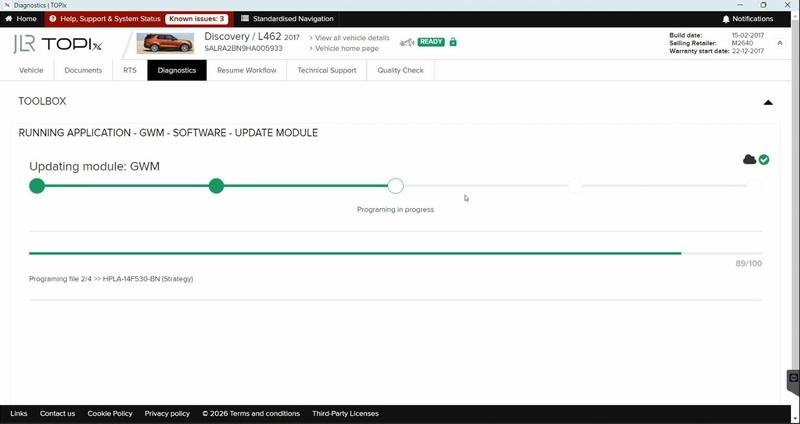
3. Write & Code: The modified CCF data is written back to the vehicle's central configuration. Pathfinder or JET then initiates a coding sequence, distributing the updated configuration to all affected modules across the vehicle's network, ensuring system-wide harmony.

A Hypothetical Step-by-Step Configuration Change Process

Let's walk through enabling Trailer Module Preparation on a Land Rover Discovery that left the factory without the tow pack but has the necessary wiring pre-installed.

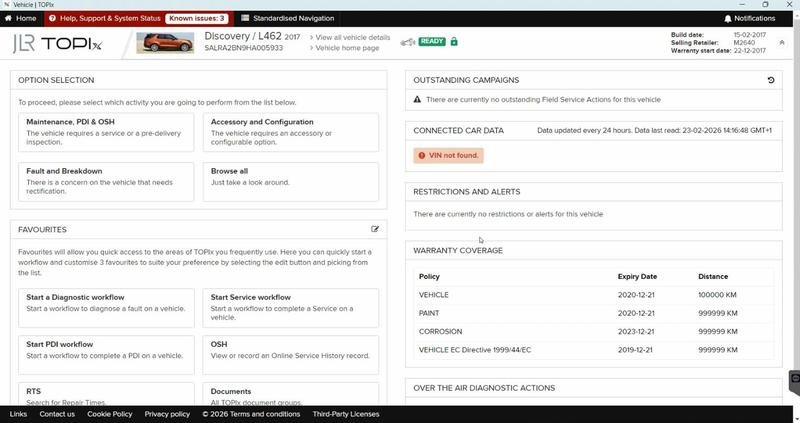
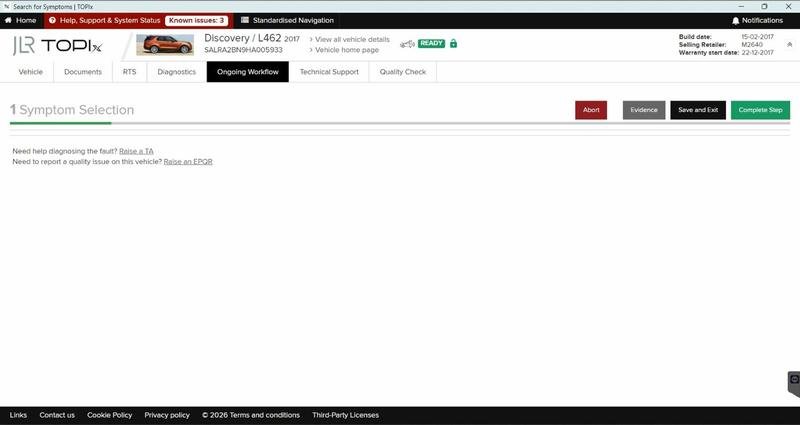
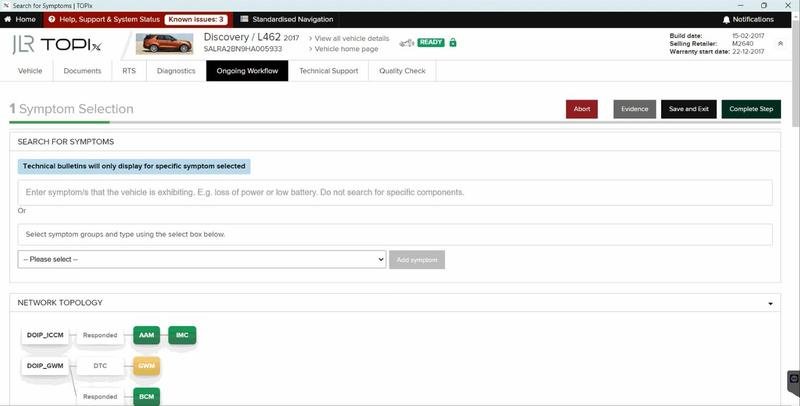
  1. Vehicle Assessment & Connection: Verify the physical wiring harness is present. Connect a stable external power supply. Connect the official JLR DOIP VCI and establish a session in your Pathfinder/TOPIx Cloud or JET software.
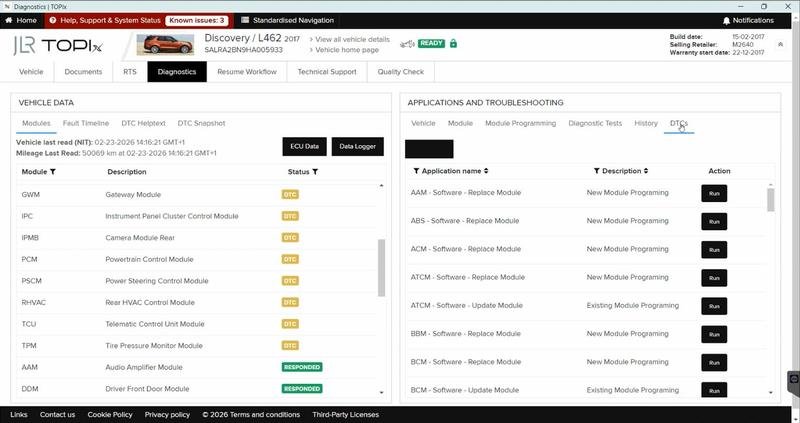
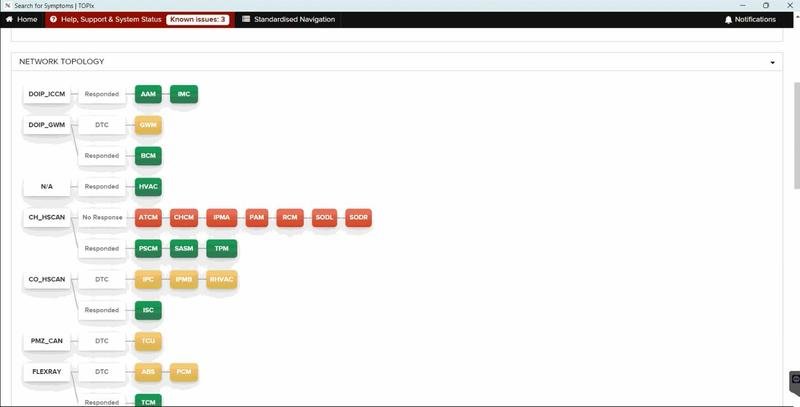
  2. CCF Backup and Analysis: Before any changes, perform a full vehicle scan and read the complete “As-Is” CCF. Save this file with the vehicle VIN and date. This is your rollback point.
  3. Configuration Editing: Navigate to the CCF editing function. Locate the configuration trees related to “Trailer” or “Towing.” Key parameters to enable typically include “Trailer Module = Active,” “Trailer Stability Assist = Enabled,” and setting the correct pin assignments for the 13-pin socket.
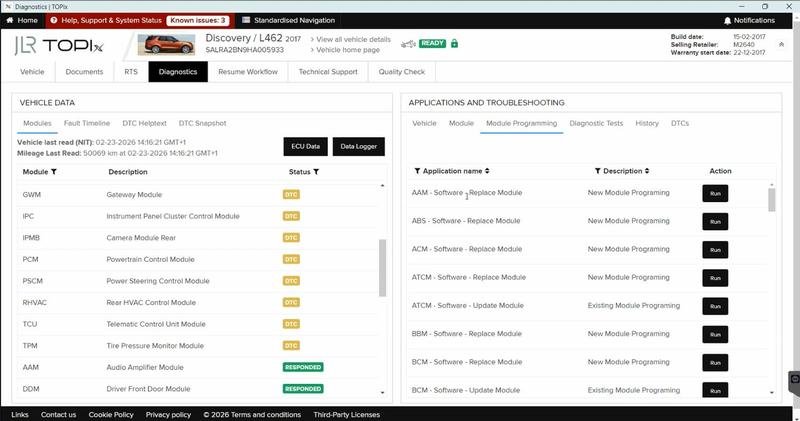
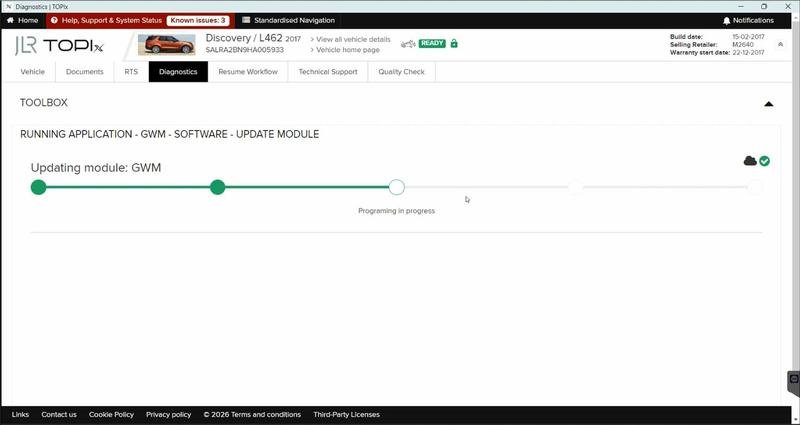
  4. Write and Code Modules: Write the modified CCF back to the vehicle. The tool will then automatically code the relevant modules. This often includes the Body Control Module (BCM), the Abs/Stability Control Module, and the instrument cluster to enable the trailer graphics and warnings.
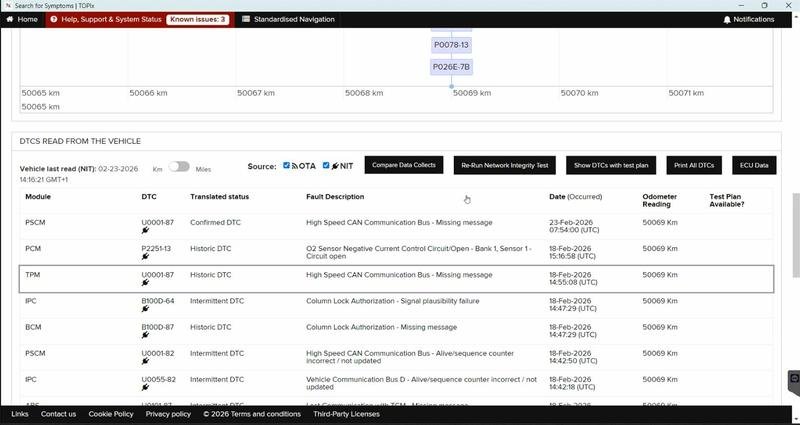
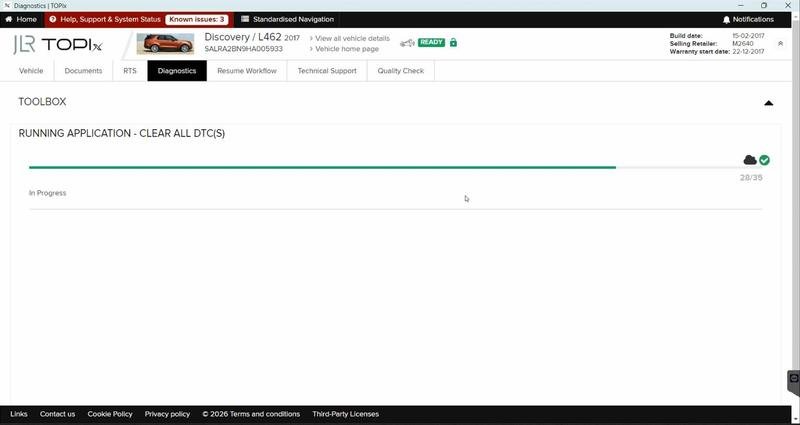
  5. Validation and Calibration: Clear all fault codes. Perform a module network test. Finally, the new feature may require a calibration routine. For a trailer module, this might be a “Steering Angle Sensor Reset” performed via the tool to integrate the new stability function.

Essential Tools for Configuration Changes

Altering a vehicle's core identity demands precision tools. Compromising here leads to configuration faults and inoperable vehicles.

  • Advanced Diagnostic Software: You need system-level access beyond basic code readers. This is provided by a JLR TOPIx Cloud Online subscription with advanced menus, or a dedicated JET tool like JET-PRO or CCF TOOL 5.0 which specialize in CCF editing for MY 2017-2026 vehicles.
  • Genuine DOIP Vehicle Communication Interface (VCI): Configuration changes involve writing to protected areas of module memory. Only a genuine JLR DOIP VCI, like the Bosch Original VCI, has the necessary security certificates and communication stability for this task without causing corruption.
  • Stable Power Supply: A must-have. Coding sequences are sensitive, and a voltage dip can interrupt the process, leaving modules in a partially coded state.
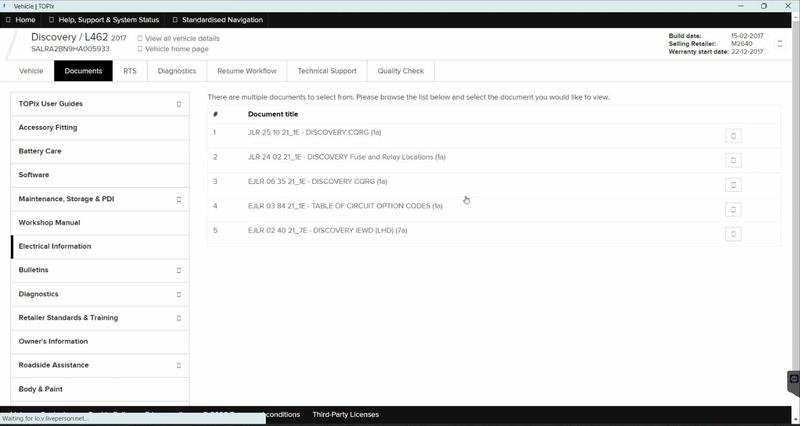
  • Technical Information Access: Access to wiring diagrams and connector pinouts from TOPIx is often required to verify hardware compatibility before attempting software changes.

Common Configuration Challenges and Solutions

Navigating the CCF landscape has its pitfalls. Here's how to avoid the most common ones:

  • “Configuration Incompatible” or “Parameter Out of Range” Errors: This occurs when you try to enable a feature the vehicle's hardware or other software doesn't support. Solution: Cross-reference the “As-Built” data from JLR using the VIN. Never enable features like “Air Suspension” on a vehicle with steel springs. Research and verify hardware prerequisites for every retrofit.
  • Module Coding Incomplete or Fails: A module refuses to accept the new configuration. Solution: Ensure the module has the latest software (VBF). Sometimes a module must be “unlocked” or have component protection removed (using tools like JET-Master) before it can be recoded.
  • Unexpected Fault Codes After Coding: New features can cause “implausible signal” faults with related systems. Solution: After coding, always perform a full fault code clear and cycle the ignition. Many systems need a drive cycle or specific calibration/adaptation routines to be run from within Pathfinder to relearn and integrate the new configuration.
  • Loss of Original Configuration (No Backup): The worst-case scenario. Solution: ALWAYS, without exception, save a full “As-Is” CCF backup before touching a single parameter. This is your only way to recover from a bad edit.

Devices Required to Change Vehicle Configuration

To professionally execute JLR Pathfinder changes vehicle configuration work, your setup must be robust:

  • A modern Windows PC/laptop with reliable Ethernet and USB ports.
  • The linchpin of the operation: a certified Diagnostics over Internet Protocol (DOIP) interface. The JLR-DOIP-VCI-WI-FI BOSCH ORIGINAL VCI is explicitly designed for this secure, high-integrity communication with Pathfinder and TOPIx Cloud, making it the only recommended choice for configuration work on newer vehicles.
  • A high-quality 30A+ automotive power supply/charger.
  • Reliable, high-speed internet for accessing cloud-based tools and technical data.

Frequently Asked Questions (FAQ)

Can I enable any feature on any JLR vehicle with Pathfinder?

No. The CCF can only activate features that the vehicle's hardware and underlying software are pre-configured to support. You cannot code in features that require additional sensors, wiring, or control modules that are not present. The process is for activating pre-installed capabilities or integrating genuine OEM retrofit kits that match the vehicle's architecture.

What's the difference between coding and programming in this context?

Programming (or flashing) refers to writing a new Vehicle Binary File (VBF)—the core software—to a module. Coding refers to writing the configuration data from the CCF to an already-programmed module. Changing a vehicle's configuration is primarily a coding activity, though some advanced retrofits may require both programming and coding.

Is it safe to change CCF settings? Can I break my car?

With proper knowledge, tools, and always taking a backup first, it is a standard professional procedure. However, incorrect changes can cause features to malfunction, generate persistent fault codes, or in rare cases, require a module to be reprogrammed. This is why it's considered advanced work suitable for technicians or highly skilled enthusiasts.

Do I need a new CCF file for every configuration change?

Not necessarily. You typically modify the existing vehicle CCF. However, for complex retrofits or if the CCF becomes corrupted, tools like CCF-PRO allow you to download a fresh, virgin “As-Built” CCF directly from JLR using the VIN, which you then modify as a starting point.

Conclusion: The Power to Define the Vehicle

Mastering how JLR Pathfinder changes vehicle configuration empowers you to solve customer problems beyond simple repairs. It allows you to personalize, upgrade, and perfectly reintegrate vehicles after module replacements. The core tenets are respect for the process: understand the CCF's role, always backup first, use a methodical edit-write-code-validate workflow, and never compromise on your communication hardware. The reliability of your DOIP VCI is the foundation of success for these delicate operations. For this, the official Bosch JLR DOIP VCI remains the industry-standard, trusted choice.

As your confidence grows in performing vehicle configuration changes and OEM retrofits, remember that the most successful technicians are part of a knowledgeable community. For continued learning, access to reliable tools, and expert support on the most complex JLR diagnostic programming projects, the resources and community at jlrupgrades.com are an invaluable asset to any serious professional.


Tags: JLR Pathfinder, Vehicle Configuration, CCF Editing, OEM Retrofits, Feature Coding, DOIP VCI, TOPIx Cloud, JLR Programming, Car Configuration File

Long-tail Keywords: how to enable hidden features jlr pathfinder, ccf editing for land rover retrofit, steps to change vehicle configuration with jet tool, troubleshooting jlr ccf coding errors, difference between as-is and as-built ccf jlr.

Yoast SEO Premium Input Details

  • Focus Keyphrase: JLR Pathfinder changes vehicle configuration
  • Related Keyphrases: change vehicle configuration, JLR configuration, Pathfinder CCF editing, vehicle coding
  • Meta Description: Discover how JLR Pathfinder changes vehicle configuration through expert CCF editing. This guide covers enabling features, performing OEM retrofits, and essential tools for technicians.