
Comprehensive JLR Remote Repair for InControl App Connectivity
Restore Your Vehicle's Remote Connectivity
It is frustrating when your Land Rover or Jaguar InControl app is not working. This issue leaves you disconnected from your vehicle's remote features. The powerful system bridges your vehicle and smartphone. However, its complexity requires a perfect, authenticated dialogue between the on-board Telematics Control Unit (TCU) and JLR's global servers. When this dialogue desynchronizes, the entire remote system can fail. As a result, you often encounter errors and a non-responsive app. At topix-cloud.com, our service directly targets and resolves these core software faults. We fix the root problem whenever your InControl app is not working.

Diagnosing Faults When Your Remote App Stops Working
We specifically designed our service to rectify the symptoms of this backend failure. In fact, our remote intervention provides the definitive solution if you experience any of these problems:
- Complete App Failure: The Land Rover or Jaguar InControl app fails to load or crashes. It might also show a persistent “vehicle not reachable” error.
- Unresponsive Remote Commands: Remote functions like Lock/Unlock, Climate Control, or Beep & Flash appear greyed out or fail to respond on your iPhone or Android.
- Incorrect Vehicle Status: The app displays inaccurate data. For instance, it might show an old fuel level or report doors open when they are closed.
- Account & PIN Issues: You cannot log into the My Land Rover / Jaguar InControl website. The system might also reject your correct PIN for remote commands.
The Technical Root Cause: A Broken Digital Handshake
In technical terms, the InControl system uses a security certificate and token-based authentication. Your vehicle's TCU must present a valid token to the JLR server to establish a secure session. A fault can occur for several reasons. For example, a TCU software update might fail to properly renew its security certificate. In other cases, a server-side migration at JLR could corrupt your account's link to the VIN. In short, the system's “digital handshake” breaks. A simple app reinstall cannot fix this because the fault lies within the core server-to-vehicle provisioning. This explains why your InControl app is not working.
Our Solution: Remote TCU & Account Re-Provisioning
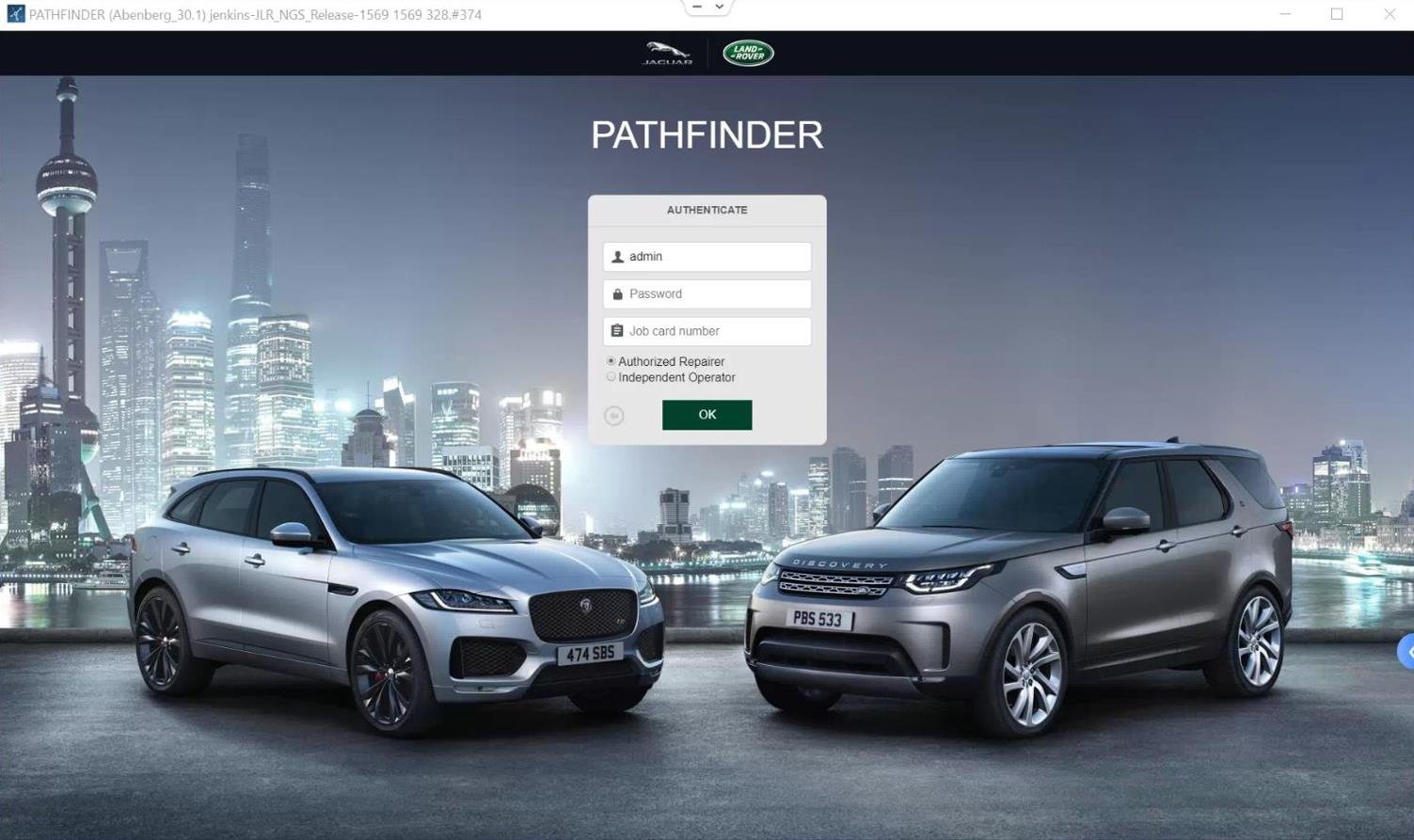
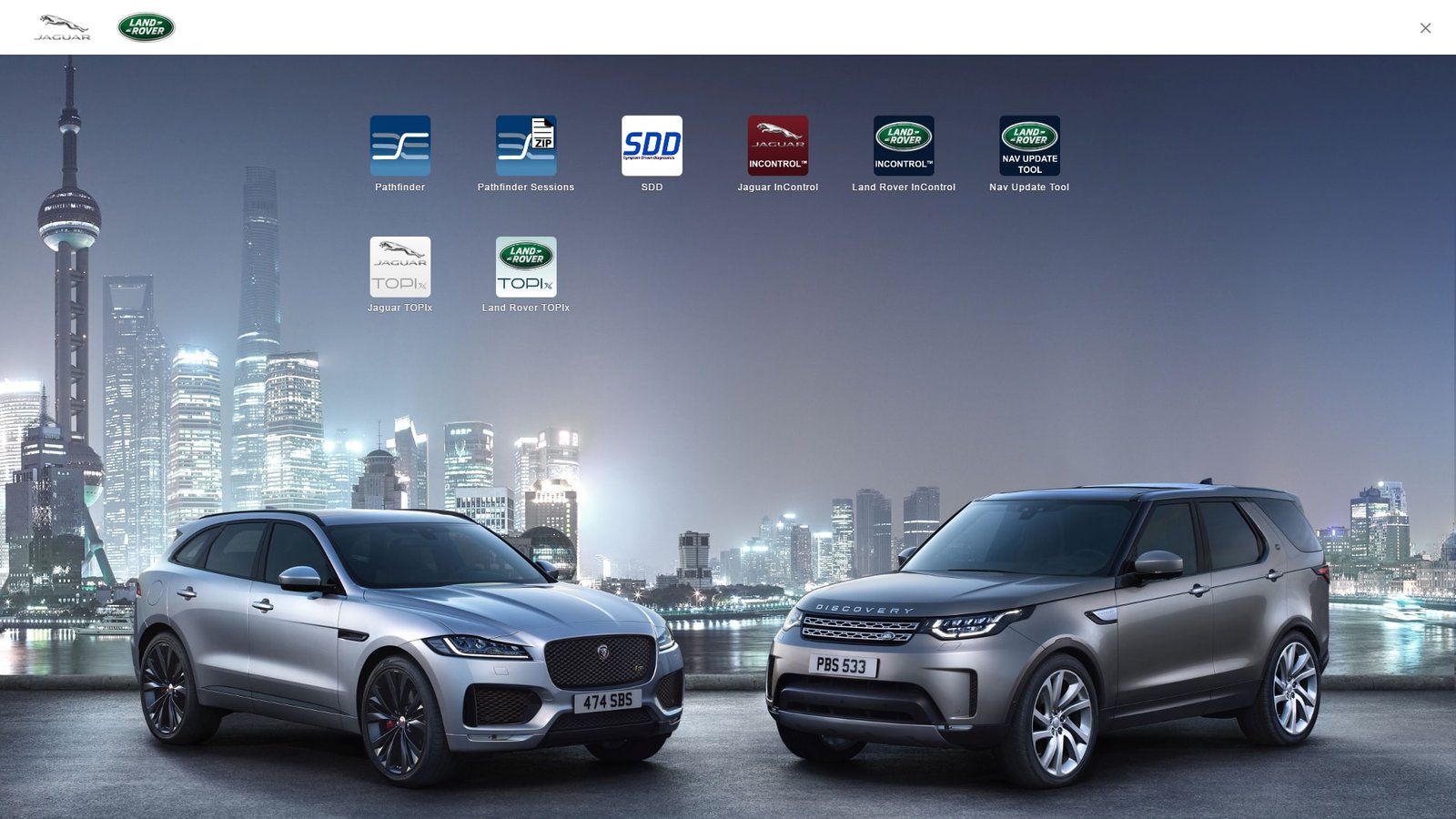
You can skip a time-consuming dealership visit. Our technicians use official JLR diagnostic tools to fix the issue remotely. We trigger specific commands to rectify the communication link, which is a much more efficient process.
- Forcing a TCU Reset: We send a signal to restart the telematics module. This compels it to initiate a fresh connection with the JLR servers.
- De-Provisioning and Re-Provisioning the VIN: Subsequently, we temporarily disassociate your InControl account from the VIN on the server-side. This action clears any corrupted data. We then re-establish the link and create a new, clean authentication token.
- Verifying Account Integrity: Finally, our technicians correctly configure your account permissions on the JLR database. This step resolves most PIN-related and login issues.
This remote process restores the critical pathway. It brings your InControl Remote app back to full functionality. For other advanced services, you can also browse our JLR map update products.
Vehicle System Compatibility
This remote repair service works with all Jaguar and Land Rover models from 2016 to present that have an InControl system with connectivity issues.
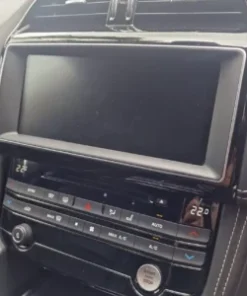
InControl Touch ProPivi & Pivi Pro
If you are unsure, please contact us with your VIN before you order. We will confirm compatibility for you.
Service Details & FAQ
Frequently Asked Questions
Q: What do I need to provide?
A: During checkout, provide your vehicle's 17-digit VIN. Also, include the email address associated with your My Land Rover / Jaguar InControl account.
Q: How long does the service take?
A: Our technicians typically complete the remote backend work within 24-48 business hours. We will email you upon completion. Then, you can test your app.
Q: What if this doesn't fix why my InControl app is not working?
A: This service resolves over 95% of software-based InControl issues. If the problem persists, it likely indicates a rare physical hardware failure of the Telematics Control Unit (TCU). In this case, our service provides a valuable diagnostic conclusion and saves you dealership fees.