






JLR Jet Master SX-Tool Diagnosis Programming: The Technical Foundation for Advanced JLR Work
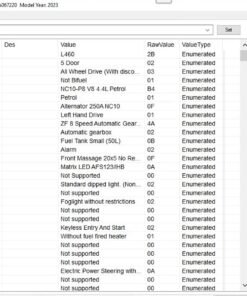
For professional technicians working on modern Jaguar and Land Rover vehicles, proficiency with the JLR Jet Master SX-Tool Diagnosis Programming environment is not an advanced skill—it is a fundamental requirement. This system provides direct access to the JLR Engineering Tool (JET), the factory-level software for CCF (Car Configuration File) editing and module programming. A common and critical problem it resolves is the “module not configured” state after a replacement. Simply installing a new ECU is insufficient; it must be precisely integrated into the vehicle’s network, a process exclusively handled through this diagnostic pathway. Mastery of this toolset is what separates general repair technicians from certified JLR specialists.
Technical Overview of JLR Diagnosis Programming
This section details the core components and architecture that enable advanced vehicle configuration.
Architecture and Workflow
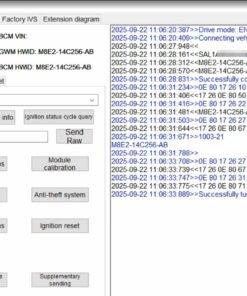
The JLR Jet Master SX-Tool serves as the client application that interfaces with the TOPIX cloud infrastructure. Unlike generic code readers, this system performs a transactional process: it first reads the vehicle’s current configuration and installed software, compares it against the master data in JLR’s central database, and then executes a targeted update or configuration change. This process is central to JLR Diagnosis Programming, ensuring every module operates with the correct software calibration and network configuration. The CCF is a critical data set within this architecture, acting as a blueprint that defines a module’s features, capabilities, and communication parameters.
Hypothetical Step-by-Step Programming Process
The following sequence outlines a standardized procedure for a module programming task. Deviations can lead to incomplete programming or module failure.
- Pre-Session Integrity Check: Verify the vehicle battery state of charge. Connect a regulated battery maintainer capable of sustaining a consistent 14.2V – 14.8V under load.
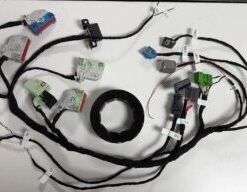
- Establish Communication: Power on the vehicle’s infotainment system to wake the communication networks. Connect a JLR-approved DOIP VCI to the OBD-II port and ensure a stable link to the diagnostic PC.
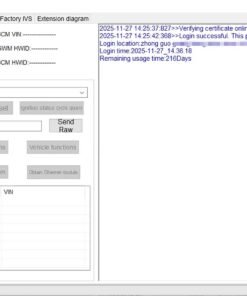
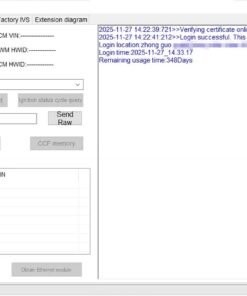
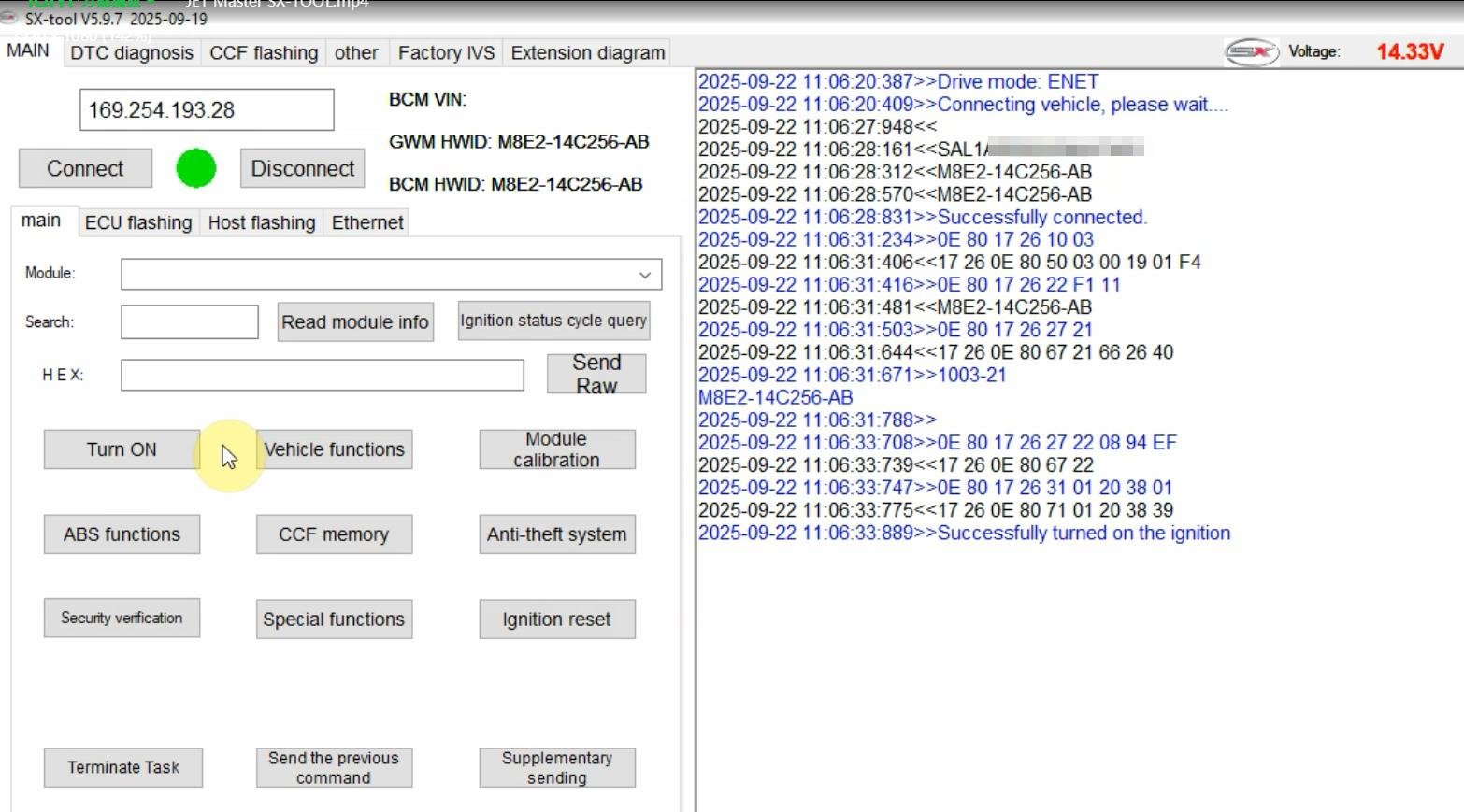
- Initialize Session: Launch the JLR Jet Master SX-Tool interface and authenticate. Identify the vehicle by VIN to allow the system to download the specific vehicle profile from the TOPIX cloud.
- Task Selection and Validation: Select the target module for programming or configuration. The system will perform a pre-programming scan to validate module health and network integrity.
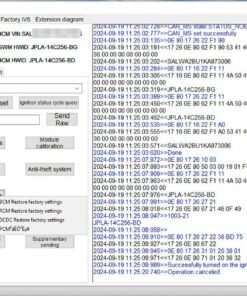
- Execute Programming Cycle: Initiate the programming sequence. The tool will download the required software package and begin the flash procedure. Do not interrupt the ignition, touch any controls, or allow the power supply to falter during this phase.
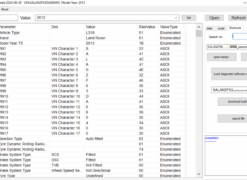
- Post-Programming Configuration: After successful software installation, the tool will guide you through CCF coding to configure the module’s features and align it with the vehicle’s specification.
- Verification and Finalization: Perform a system reset, clear all fault codes, and conduct a full diagnostic scan to confirm no new faults are present. Verify all related systems are operational.
Essential Tooling and Hardware Requirements
Attempting advanced programming without the correct apparatus is a high-risk endeavor. The following are non-negotiable:
- JLR-Approved DOIP VCI: A genuine or fully compliant Diagnostics over Internet Protocol Vehicle Communication Interface. This device is engineered to handle the high-bandwidth, Ethernet-based communication used by modern JLR modules.
- Stabilized Power Supply: An industrial-grade battery support unit. Consumer-grade trickle chargers are insufficient and pose a significant risk of programming failure.
- Software Platform: Access to the JLR Jet Master SX-Tool application and a valid, active subscription to the TOPIX cloud service.
- Computing and Network Infrastructure: A PC meeting the software’s specifications and a stable, high-speed wired internet connection to prevent data stream interruption.
For a detailed specification of compatible hardware and software packages, refer to the dedicated resource for JLR Diagnosis Programming.
Common Technical Challenges and Resolutions
Anticipating and mitigating common failures is a mark of an experienced technician.
- Challenge: “Download Incomplete” or “Communication Timeout” errors.
Resolution: This is almost exclusively a network or power issue. Verify the integrity of the Ethernet connection to the VCI and PC. Confirm the battery maintainer is functioning correctly and providing adequate voltage. Disable any VPNs or firewall software that may interfere with the data stream. - Challenge: “VIN Mismatch” or “Configuration Data Corrupted”.
Resolution: This indicates an inconsistency between the vehicle’s stored data and the JLR database. Ensure the correct VIN has been entered. This error may require a manual data initialization procedure or support from JLR technical assistance. - Challenge: Specific CCF parameters are unavailable or will not accept changes.
Resolution: This is often due to software dependencies. Confirm that all related modules, especially the Central Gateway Module, are running the latest software version. Some features require the vehicle to be in a specific engineering mode to enable configuration.
Frequently Asked Questions (FAQ)
What is the primary function of the JLR Jet Master SX-Tool?
The JLR Jet Master SX-Tool is the primary interface for the JLR Engineering Tool (JET), used for advanced vehicle operations including module programming, software updates, and Car Configuration File (CCF) editing. It is essential for configuring new modules, performing OEM retrofits, and correcting vehicle configuration errors.
Can I perform JLR Diagnosis Programming without a DOIP VCI?
No. For modern JLR vehicles (approximately 2018+ model year), a Diagnostics over Internet Protocol (DOIP) VCI is mandatory. These vehicles use an Ethernet-based diagnostic connection, and older CAN-based VCIs will not establish the high-speed link required for reliable programming and data transfer.
What is the most critical preparatory step before initiating a programming session?
Connecting a stable, professional-grade power supply is the most critical step. System voltage must be maintained between 13.5V and 15.0V throughout the entire process. Any voltage drop or fluctuation can interrupt programming, corrupt a module, and render it inoperable.
Conclusion
JLR Jet Master SX-Tool Diagnosis Programming represents the apex of technical interaction with JLR vehicle systems. Its disciplined application enables precise module programming, accurate CCF editing, and the successful completion of complex OEM retrofits. Success is contingent upon a rigorous adherence to procedure, the use of approved hardware like a DOIP VCI, and an unwavering commitment to maintaining stable system voltage. This expertise is indispensable for professional-level JLR servicing.
For technicians and workshops requiring reliable access to professional tools and expert support for complex JLR diagnostic programming and genuine JLR OEM retrofits, comprehensive resources and vetted equipment are available