





Configuring JLR Close-to-Car Lock/Unlock (Smart Keyless Entry)
For advanced JLR technicians, mastering Car Configuration File (CCF) editing is essential for unlocking the full potential of a vehicle’s hardware.
This deep-level programming allows you to activate features that are present in the vehicle but not enabled for a specific market or trim level. A popular example is the advanced keyless function often called JLR Close to car lock car unlock, also known as Approach Lock/Depart Unlock.
This article provides a technical deep-dive into how to activate this sought-after convenience feature via CCF editing.
How It Works: The Technology Behind Smart Entry
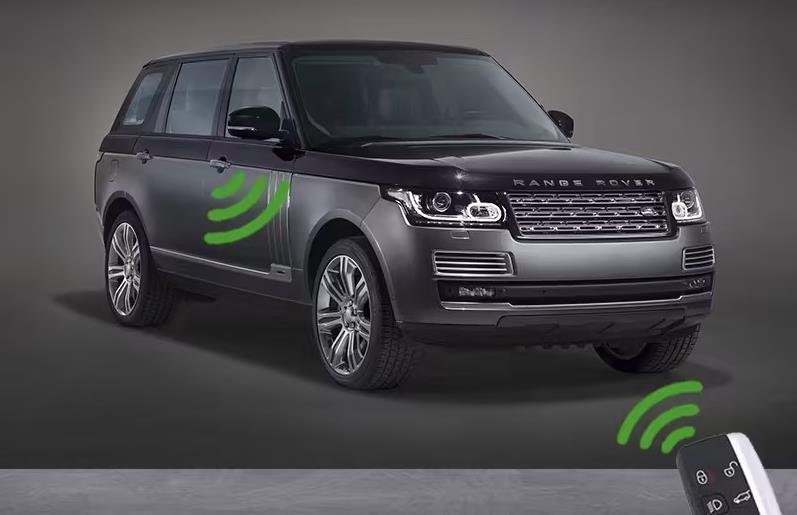
The JLR Close to car lock car unlock system is an enhancement of the standard Passive Entry / Passive Start (PEPS) system. It uses the vehicle’s existing network of low-frequency (LF) antennas to constantly monitor for a valid key fob.
When activated, the system automatically locks the doors when the key moves away and unlocks them as the key approaches—no button press or handle touch required.
Core Architecture: CCF Parameters & Modules
Activating this feature requires coordinated changes in several key modules:
- Primary Control: The Body Control Module (BCM) or Central Gateway Module (CGM) acts as the master for this logic.
- Secondary Control: The Door Modules (DDM, PDM) and the RF Receiver must also be configured to support the new function.
Key CCF parameters like “Approach Unlocking Enable” and “Depart Locking Enable” are typically toggled from “Inactive” to “Active.”
A 7-Step Guide to Activating Proximity Lock/Unlock
CRITICAL NOTE: This is a generalized guide. The exact module names and CCF parameters vary significantly between JLR platforms (e.g., MLA vs. D7u). Always reference accurate data for the specific VIN you are working on.
- Pre-Procedure Setup: Connect a stabilized power supply (30A+) to the vehicle. Connect a JLR-compliant DOIP VCI to the OBD-II port and your diagnostic laptop.
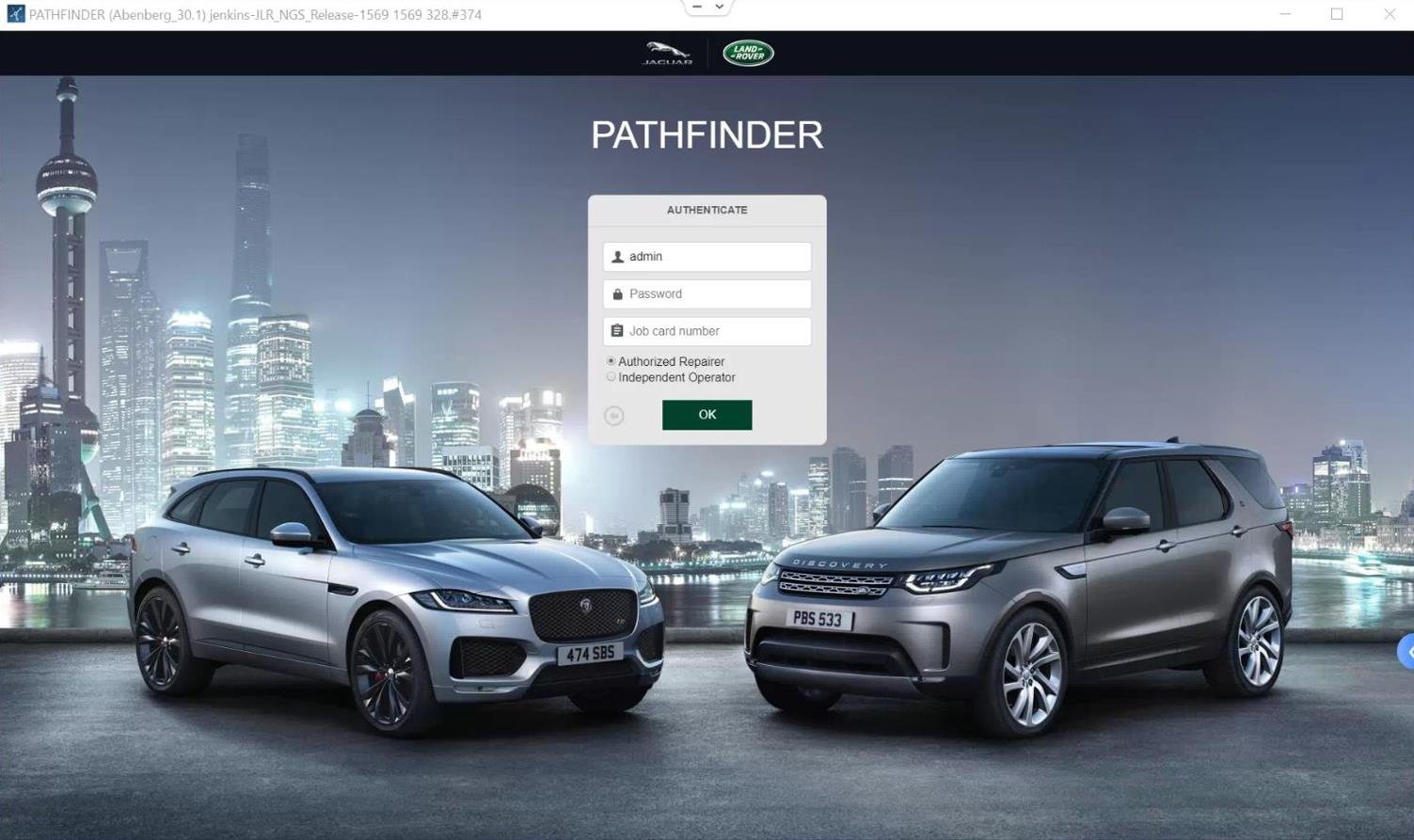
- Establish Secure Session: Launch your engineering software via TOPIx cloud. Read and resolve any existing PEPS or RF system fault codes before proceeding.
- Full CCF Backup: Navigate to the CCF editor. Perform a complete read and save the original CCF for the BCM, all door modules, and the RF receiver. This is your essential recovery point.
- Configure Primary Module (BCM/CGM): In the BCM’s CCF, locate the “Vehicle Access” or “Keyless System” section. Enable the parameters for “Approach Unlock” and “Depart Lock.”
- Configure Secondary Modules: Access the CCF for each Door Control Module. Enable support for the automatic function as instructed by the primary module.
- Write & Synchronize: Write the modified CCF data back to each module. Always follow the tool’s on-screen prompts precisely.
- Reset and Test: Perform a module reset on all configured units. A full system sleep cycle (lock vehicle, wait 10+ minutes) is often required. Finally, test the functionality by walking away from and approaching the vehicle with the key.
Essential Tools & Hardware
This procedure interacts with core vehicle security systems and requires professional, robust tools.
- JLR-Compliant DOIP VCI: A genuine or fully compatible Diagnostics over Internet Protocol interface is mandatory for secure authentication and data transfer.
- Stabilized Automotive Power Supply: A 30-40A supply is critical to maintain stable voltage during the CCF writing process.
- Engineering Software with Security Access: You need a valid license for JLR’s engineering-level software (accessed via TOPIx cloud) to modify security-related CCF blocks.
Recommended Tool
For a streamlined, pre-configured interface to reliably enable this feature, we recommend our specialized product: JLR Close-to-Car Lock/Unlock Programming Tool.
Common Challenges & Solutions
Error: “Security Access Denied”
This means your diagnostic session lacks the proper privilege level. Ensure you are using engineering-level software with a valid security subscription and have followed all required login steps.
Partial Function (e.g., Unlocks but Doesn’t Lock)
This points to an incomplete configuration. Double-check that both “Approach” and “Depart” functions are enabled and that all door modules have been correctly updated.
System Unresponsive After Coding
This can happen from an incorrect CCF write or if the vehicle lacks the necessary hardware. Immediately restore the original CCF backups you saved in step 3.
Frequently Asked Questions
Does my vehicle have the required hardware?
Most JLR vehicles with standard keyless entry (push-button start and door handle touch) have the necessary antennas. However, some base models may lack full hardware or software support. A pre-coding scan can confirm readiness.
Can I set the activation distance?
On some platforms, yes. CCF parameters may exist to adjust the range (e.g., “Near,” “Mid,” “Far”). This is highly platform-dependent.
Will this affect vehicle security?
No. The system uses the same strong encryption as the standard keyless system. It only changes the *trigger* from a handle touch to a proximity event. As always, keeping your key in a Faraday pouch is recommended to prevent relay attacks.
Conclusion
Successfully enabling the JLR Close to car lock car unlock feature is a mark of a skilled technician. It requires a precise understanding of the vehicle’s architecture, professional tools, and a methodical approach.
When done correctly, it provides a significant upgrade in convenience for the owner and showcases your expertise in advanced JLR programming. For comprehensive tools and professional support, explore our solutions at jlrupgrades.com.