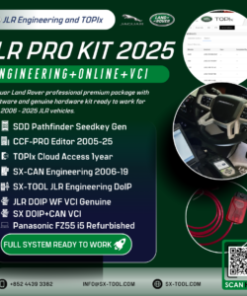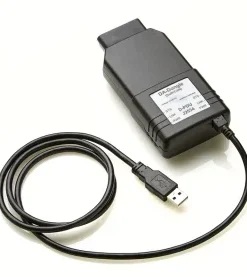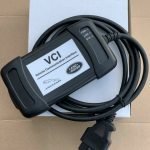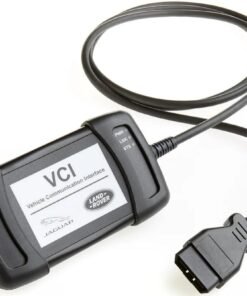

JLR DOIP VCI: The Essential Interface for Modern JLR Diagnostics & Programming
For the professional Jaguar Land Rover technician, moving beyond basic code reading into the realm of module programming, feature configuration, and CCF (Car Configuration File) editing is where true expertise is demonstrated. This advanced work requires not just skill but also the precise, JLR-mandated tooling. At the heart of this process is the JLR DOIP VCI (Vehicle Communication Interface using Diagnostics over Internet Protocol). This device is the critical gateway between your diagnostic software and the vehicle’s complex network architecture. Understanding its function is paramount for solving high‑level issues. For example, you may need to configure a replacement instrument cluster on a 2022 Defender. In this scenario, you must ensure all proprietary features and software levels integrate correctly.
The Technical Foundation of the JLR DOIP VCI
Beyond CAN: The Shift to High-Speed Diagnostics
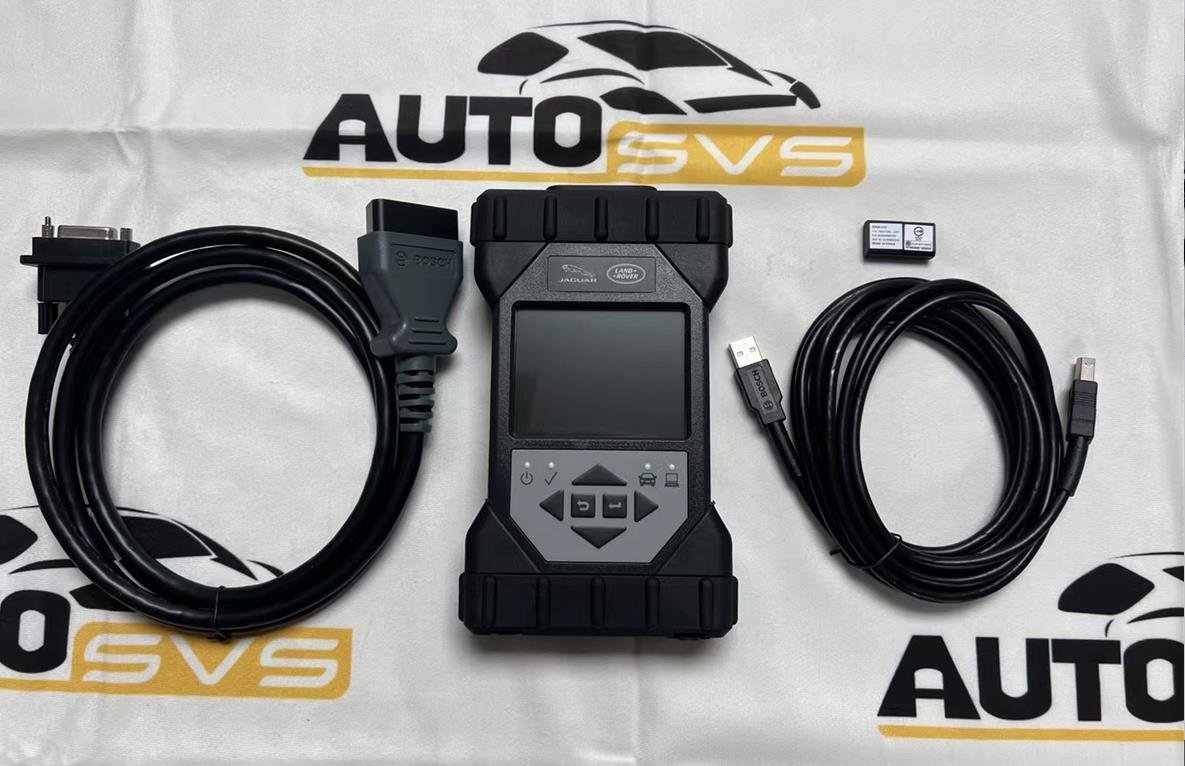
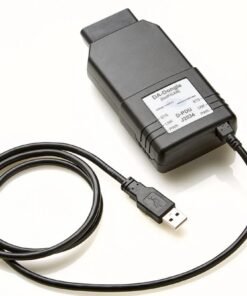
The JLR DOIP VCI represents a necessary evolution in vehicle communication. Older JLR vehicles (up to approx. 2017) primarily used Controller Area Network (CAN bus) systems. Modern JLR architectures, starting with the JLR DOLP (Diagnostic Over LAN Protocol) and solidifying with full DOIP (Diagnostics over Internet Protocol – ISO 13400), leverage Ethernet-based networks capable of 100 Mbps data transfer rates. This exponential increase in bandwidth is essential for efficiently flashing the large software packages found in modern ECUs. The genuine JLR DOIP VCI, engineered by Bosch, is specifically designed to manage this protocol transition seamlessly and securely, preventing data corruption during critical programming events.
A Hypothetical Process: Integrating a New Central Module
This procedure outlines a module replacement using JLR’s official software workflow (TOPIX cloud, Pathfinder, or Device Agent).
- Preparation and Connection: Connect an approved battery maintainer to ensure stable system voltage (>13.2V). Connect the JLR DOIP VCI to the vehicle’s OBD-II port and establish a connection to the diagnostic laptop via Ethernet (recommended) or WiFi.
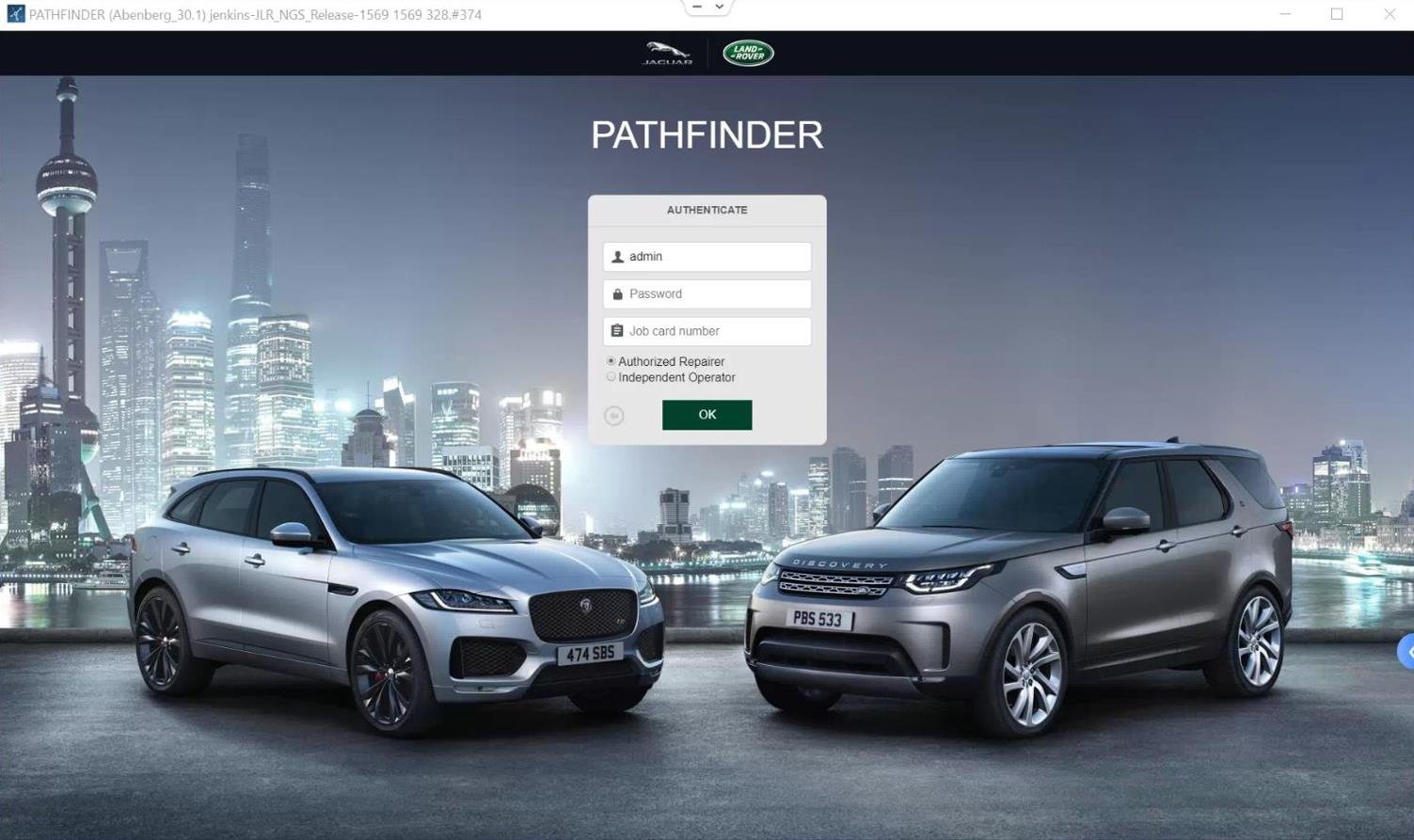
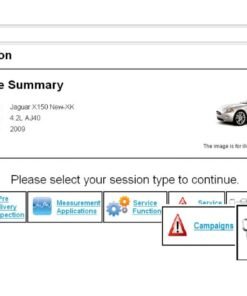
- Session Establishment: Launch the appropriate software (e.g., Pathfinder for a 2020 Range Rover). The software identifies the VCI and establishes a secure diagnostic session with the vehicle, reading the VIN and current configuration state.
- Procedure Selection: Navigate to the “Module Replacement” or “Programmable Module Installation” routine within the software. Select the specific ECU requiring service (e.g., Headlamp Leveling Control Module).
- Data Procurement: The software communicates with the JLR TOPIX cloud database via an internet connection. It downloads the exact software calibration and CCF data mandated for the vehicle’s VIN and feature set.
- Execution: The VCI facilitates the high-speed data transfer, first flashing the new software to the module and then injecting the vehicle-specific CCF data to configure its operation.
- Verification: The software validates the installation, clears any related fault codes, and typically requires a network integrity test to confirm the new module communicates correctly with other vehicle systems.
Mandatory Tooling for Professional Results
Attempting advanced JLR programming without the correct toolkit is a significant financial and reputational risk. The non-negotiable requirements are:
- Genuine JLR DOIP VCI: The cornerstone of the operation. Counterfeit interfaces lack the hardware stability and security certificates, leading to failed programming events and potentially bricked modules.
- Professional Power Supply: A high-quality battery maintainer is mandatory. Voltage fluctuations during flash programming are the primary cause of ECU corruption.
- JLR Approved Software & Subscription: The software suite is vehicle-year specific:
- SDD (2006-2017+ vehicles, primarily CAN)
- Pathfinder (2017-2022 vehicles, transition period)
- Device Agent (2017-2023+ vehicles, full DOIP)
A active JLR TOPIX subscription is required to access the central server for software and CCF data.
The Genuine JLR DOLP VCI WiFi is the definitive interface designed to support this entire ecosystem across the model year range.
Common Technical Hurdles and Resolutions
Even with proper hardware, technicians encounter specific challenges:
- “Secure Access Denied” Errors: Often related to an unstable connection or incorrect software session. Ensure the VCI drivers are updated and that you are using the correct software application for the vehicle year.
- Intermittent Communication: Frequently caused by poor WiFi signal or IP address conflicts. For critical tasks, use a wired Ethernet connection and set static IPs for the laptop and VCI if necessary.
- CCF Configuration Mismatch: After programming, a module may report incorrect configuration. This may require manual verification of the As-Built data or using the JET (JLR Engineering Tool) for advanced CCF editing, which also requires the DOIP VCI.
- Software Fails to Recognize VCI: This is almost always a driver or Windows firewall issue. Always install the VCI drivers using “Run as Administrator.” In addition, confirm the firewall is configured to allow the diagnostic software suite full access.
Frequently Asked Questions (FAQ)
What is the difference between a JLR DOIP VCI and a generic OBD2 dongle?
A generic OBD2 dongle typically supports basic CAN protocols for reading generic powertrain DTCs and live data. The genuine JLR DOIP VCI is a sophisticated interface. Specifically, engineers designed it to handle JLR‑specific protocols. These include high‑speed Diagnostics over Internet Protocol (DoIP), which is used on 2018+ vehicles. It provides secure, stable communication for safety-critical operations like module programming and CCF writing, which generic tools cannot perform without risking module corruption.
Is the JLR DOIP VCI compatible with all JLR software?
Yes, the genuine Bosch‑manufactured JLR DOIP VCI is the officially supported interface. Specifically, it works with the entire range of JLR diagnostic software. You need it for Pathfinder (2017‑2022) and JLR Device Agent (2017‑2023+). It also provides backward compatibility with older software like SDD (2006-2017+) for vehicles on CAN-based networks, making it the single most versatile interface for a professional JLR workshop.
Why does my JLR DOIP VCI connection drop during programming?
Connection drops during programming are most commonly caused by two factors. First, insufficient vehicle voltage. Second, network instability. Programming is a high-current operation for ECUs. A professional battery maintainer is mandatory to keep system voltage above 13.2V. For WiFi-connected VCIs, signal interference or bandwidth issues can cause timeouts. For critical programming tasks, we always recommend a wired Ethernet connection to the VCI. This ensures a stable data stream.
Conclusion
The JLR DOIP VCI is far more than a simple cable; it is the authenticated, secure, and high-performance conduit for all advanced diagnostic and programming activities on modern Jaguar and Land Rover vehicles. Its ability to handle the transition from CAN to high-speed DOIP networks makes it an indispensable investment for any workshop aiming to service the full breadth of the JLR portfolio. Mastery of this tool, within the context of the JLR software ecosystem (SDD, Pathfinder, Device Agent, and TOPIX), is what separates general repair technicians from expert JLR specialists.
For technicians and workshops undertaking complex JLR diagnostic programming and genuine JLR OEM retrofits, possessing the correct hardware is the first step. Access to expert support and reliable sourcing is critical for success. For more information on professional-grade tools and comprehensive support for these advanced tasks, visit https://topix-cloud.com/.