






Activating the JLR PIVI Front Fog Light Menu: A CCF Editing Guide
For the professional JLR technician, mastering Car Configuration File (CCF) editing is key to modern vehicle customization and feature activation.
A common request is activating the JLR PIVI front fog light menu. This digital switch is often hidden in the vehicle’s software, even if the physical lights are installed. This guide provides a detailed technical procedure for enabling this feature through targeted CCF modification.
How the PIVI Fog Light Menu Works
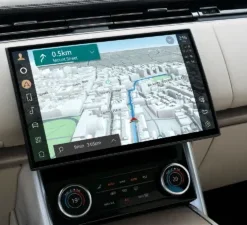
The fog light menu is a software toggle switch within the PIVI infotainment system, typically under “Exterior Lights.” When enabled, it provides a convenient on-screen control for the front fog lamps.
Enabling this feature requires editing the CCF in two main modules:
- Body Control Module (BCM/GWM): This module must be told that the front fog lights are physically present and should be controlled.
- Infotainment Head Unit (PIVI): This module must be told to “unhide” the fog light toggle in the user menu.
The goal is to change parameters like “Front Fog Lamps Present” from “Disabled” to “Enabled.”
7-Step Guide to Activating the Menu
IMPORTANT: This is a general guide. Exact parameter names vary by vehicle model (e.g., Velar vs. Discovery Sport) and year. Always use data specific to the vehicle’s VIN.
- Preparation: First, confirm the vehicle has fog light hardware installed. Connect a stable power supply (30A+) and a JLR-compliant DOIP VCI.
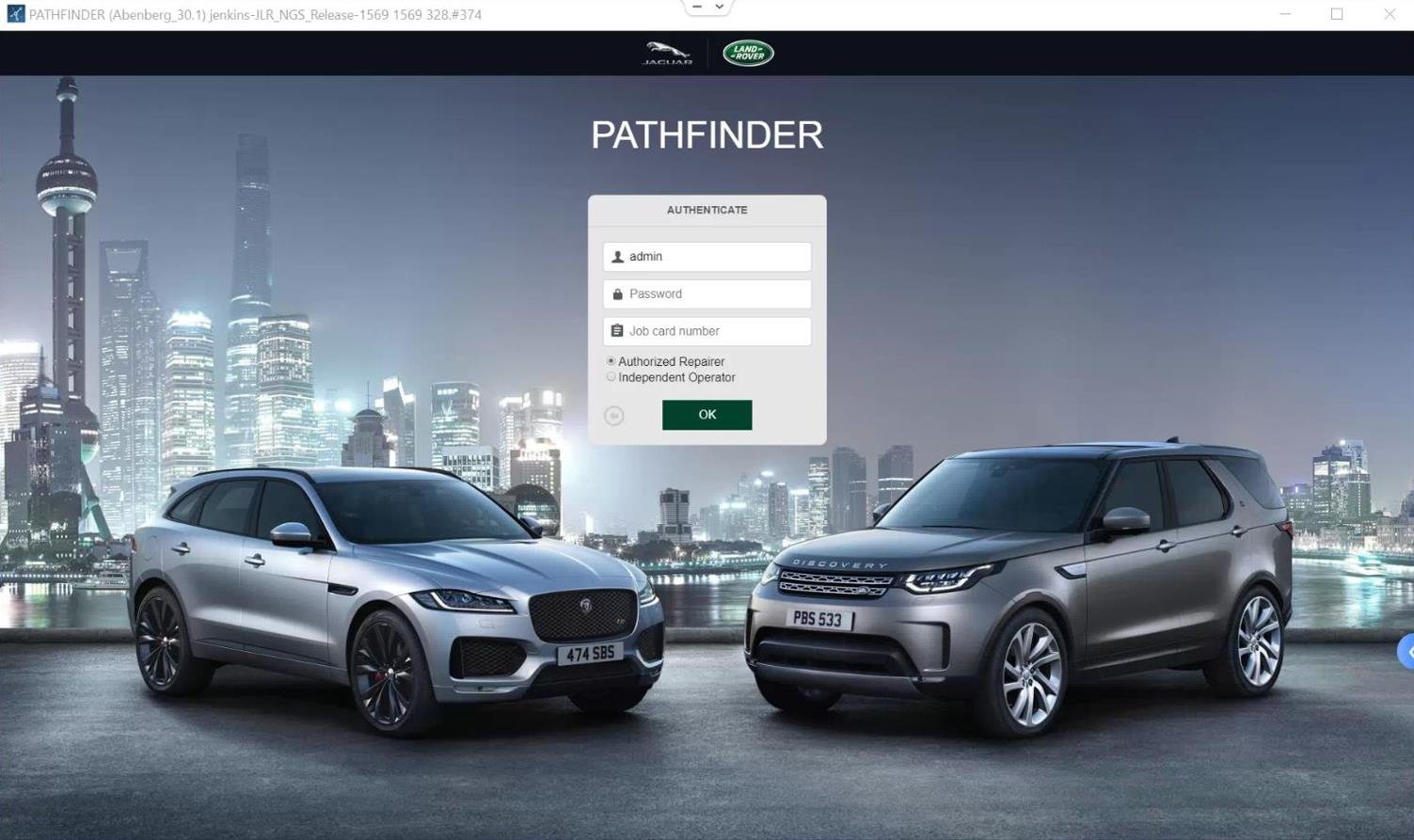
- Start Session: Launch your engineering software (e.g., via TOPIx cloud), establish a secure session, and read any existing fault codes.
- Backup Original CCF: Using your CCF editor, perform a full read and save the factory CCF for both the BCM and the Infotainment module. This is your essential safety net.
- Modify BCM: In the BCM’s CCF, find the parameter for front fog lamp presence and change its value from “Not Present” to “Present.”
- Modify Infotainment: In the Infotainment module’s CCF, find the parameter for the fog light menu and toggle it to “Enabled.”
- Write Changes: Write the modified CCF data back to each module one at a time. Follow all on-screen prompts carefully to ensure completion.
- Reset & Test: Perform a module reset on both the BCM and the infotainment unit. After a reboot, navigate to the vehicle settings menu on the PIVI screen. The fog light toggle should now be visible and functional.
Essential Tools & Hardware
This procedure demands professional-grade diagnostic equipment.
- JLR-Compliant DOIP VCI: A genuine or fully compatible Diagnostics over Internet Protocol interface is mandatory for modern JLR vehicle security protocols.
- Stabilized Automotive Power Supply: A 30-40A supply is critical to prevent module corruption from voltage drops during the writing process.
- Engineering Software Access: You need a valid license for JLR’s engineering software or an advanced third-party tool with proven CCF editing capabilities.
Need a Streamlined Solution?
For a dedicated, pre-configured tool designed for this specific retrofit, check out the JLR PIVI Front Fog Light Activation Kit.
Common Challenges & Solutions
Error: “Parameter Not Available”
This means: Your software may have an outdated vehicle file, or your VCI is having trouble communicating.
Solution: Ensure your diagnostic software is fully updated for the vehicle’s VIN and that you are using a genuine, high-quality VCI.
Menu Appears, but Lights Don’t Work
This means: There’s a mismatch between the software and hardware.
Solution: Verify the BCM configuration was written successfully. Scan the BCM for “open circuit” or “short to ground” faults, which indicate a physical wiring problem.
Coding Accepted, but Menu Doesn’t Appear
This means: The infotainment module likely didn’t accept the change or needs a hard reset.
Solution: Re-write the CCF to the infotainment module. Ensure you perform the full module reboot step. Some systems may require a battery disconnect/reconnect cycle to fully clear the cache.
Frequently Asked Questions
Can I activate this menu on a car without fog lights?
No. CCF editing only activates the software. You must first install the physical hardware (lamps, wiring, fuses). Coding is the final step to make it all work.
Will this coding affect other vehicle systems?
If done correctly, no. This is why making backups is critical. Editing the wrong parameter can cause issues, but you can always restore the original file.
Why is a DOIP VCI so important?
Modern JLR vehicles use an Ethernet-based network (DOIP) for diagnostics. Older VCIs cannot communicate with the newer, secure modules, making CCF editing impossible.
Conclusion
Activating the JLR PIVI front fog light menu is a perfect example of applied CCF editing expertise. Success depends on using the right tools, following a precise method, and understanding how the BCM and infotainment systems interact.
For workshops performing these advanced procedures, reliable tools and support are essential. For professional solutions for JLR coding and retrofits, visit our partners at jlrupgrades.com.