
Update Your Land Rover Navigation with the Latest 2025 Maps
Keeping your navigation system up to date is essential for accuracy, safety, and confidence on the road.
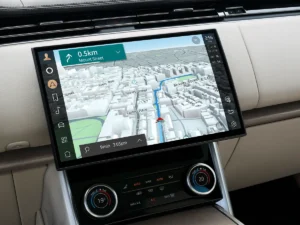
With the latest 2025 navigation map update for Land Rover vehicles equipped with InControl Touch Pro,
drivers benefit from refreshed routing data, new points of interest, and current road regulations.
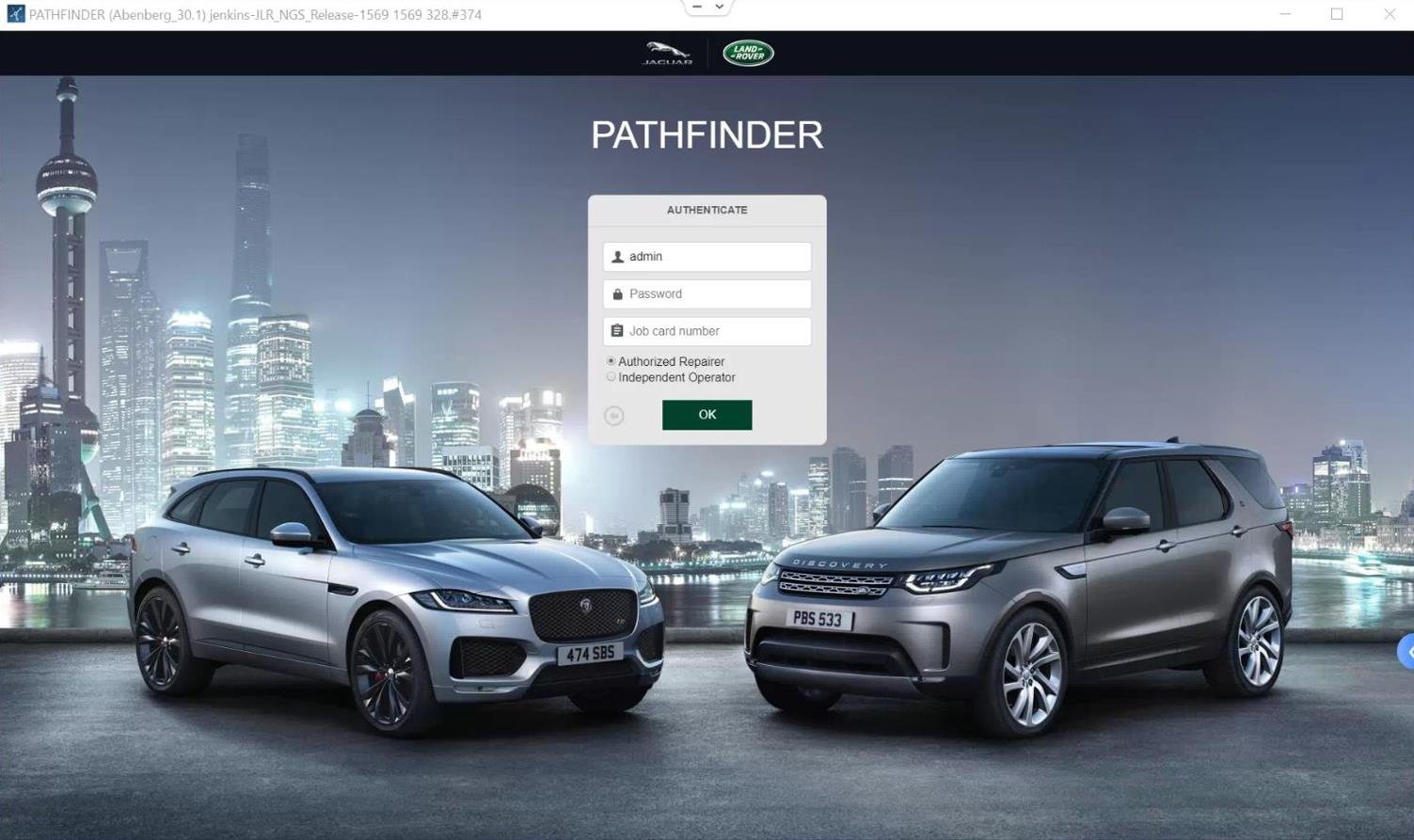
This update uses official Jaguar Land Rover map data aligned with factory specifications commonly accessed through
Jaguar Land Rover Topix, JLR Topix Cloud, and related OEM systems.
Outdated maps can cause incorrect routing, missed exits, and failure to recognize newly developed roads or addresses.
Why an Updated Navigation Database Matters
Modern Land Rover navigation systems rely on static map datasets rather than real-time cloud navigation.
If your maps are several years old, the system cannot compensate for new infrastructure changes.
Using data aligned with Topix Land Rover Jaguar standards ensures your vehicle’s navigation logic
remains consistent with factory expectations.
- Accurate routing across newly built roads and updated junctions
- Expanded POIs including fuel stations, hotels, restaurants, and charging locations
- Enhanced safety through updated speed limits and turn restrictions
Official JLR Map Update – What You Receive
This product delivers the latest official Jaguar Land Rover navigation map data on a high-quality USB drive.
The USB is pre-loaded, VIN-matched, and ready for direct installation into your vehicle.
The update process mirrors dealership-level procedures typically managed through
JLR Topix, Topix JLR, or JLR SDD Topix environments,
but without the need for dealer visits or subscription access.
VIN-Matched Compatibility Guarantee
Each map update is matched to your vehicle’s 17-digit VIN to ensure 100% compatibility with your specific
model year, region, and head unit configuration. This eliminates common issues caused by incorrect map versions
or regional mismatches.
How the Update Process Works
- Provide Your VIN: Enter your 17-digit VIN during checkout. This step is mandatory.
- Receive Your USB: A ready-to-use USB stick is shipped directly to you.
- Install in the Vehicle: Start the engine, insert the USB, and follow on-screen prompts.
Installation typically takes between 30 and 60 minutes. During this time, the vehicle should remain running
to maintain a stable system voltage.
System Compatibility
This update is designed exclusively for Land Rover vehicles equipped with the InControl Touch Pro system.
commonly found in model years 2016–2020.
Not compatible with vehicles running the newer Pivi Pro system. Pivi Pro uses over-the-air updates
managed through Jaguar Land Rover servers rather than USB-based installations.