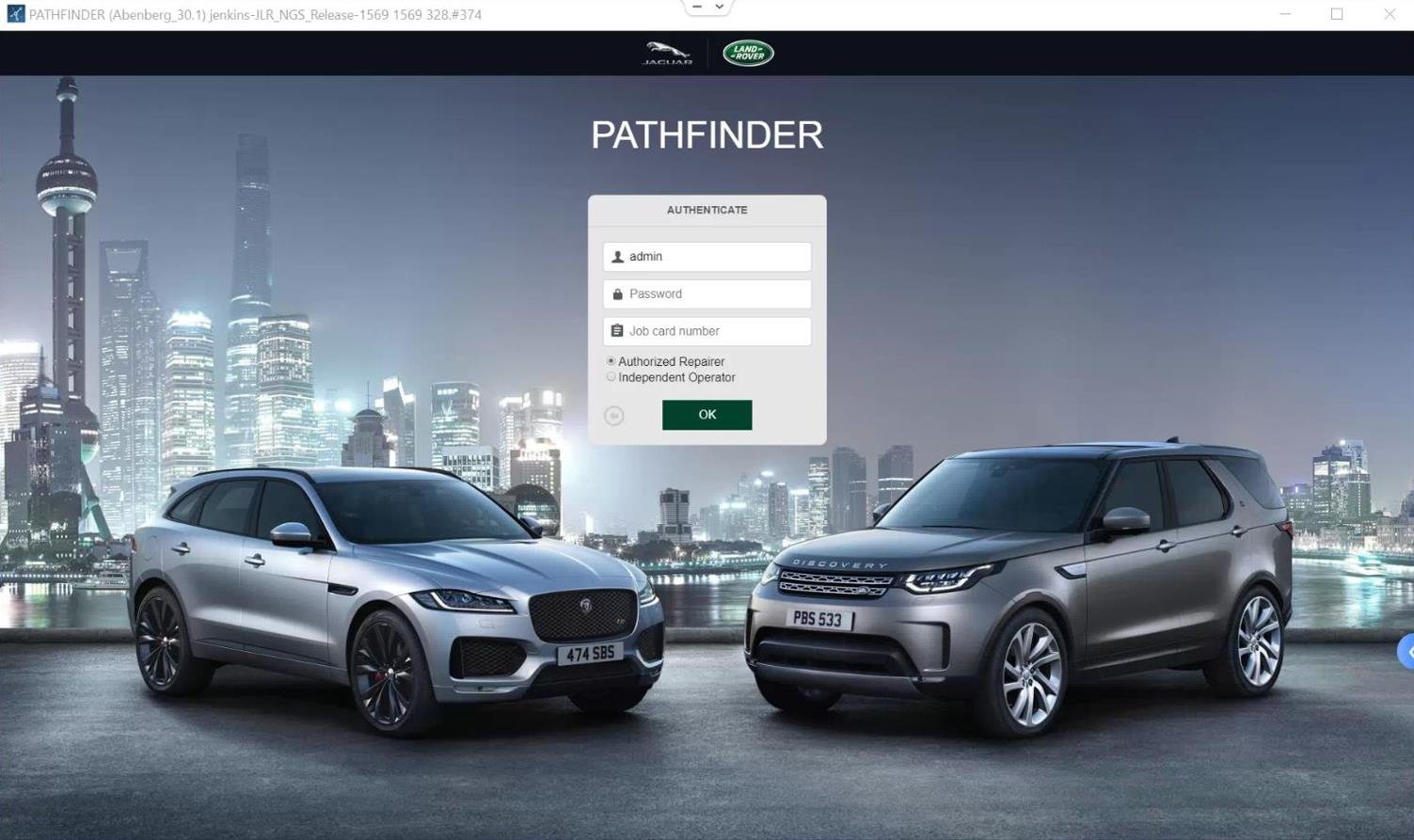

Mastering Advanced JLR Diagnostics: A Deep Dive into JLR Pathfinder Offline
For Jaguar Land Rover technicians and specialist workshop owners, moving beyond basic fault code reading into advanced
module programming and CCF (Car Configuration File) editing requires true engineering-level tools.
JLR Pathfinder Offline represents this critical step forward, providing deep system access for complex diagnostics,
feature activation, and legitimate OEM Retrofit work.
A common and highly disruptive issue—such as a mismatched CCF following control module replacement—can result in multiple,
seemingly unrelated faults across the vehicle network. These configuration inconsistencies are exactly what
JLR Pathfinder Offline is designed to diagnose and resolve in a controlled, professional environment.
Technical Overview of the JLR Pathfinder System
It is important to understand that JLR Pathfinder is not a single standalone application, but a complete
engineering-grade diagnostic and programming ecosystem. JLR Pathfinder Offline functions as the local,
workshop-based counterpart to the cloud-based JLR TOPIx / TOPIx Cloud environment.
This offline architecture is specifically intended for workshops where continuous, high-bandwidth internet access
cannot be guaranteed or where mission-critical programming tasks demand a fully self-contained system.
Core Components and Architecture
The JLR Pathfinder Offline system operates by hosting a local diagnostic server on a dedicated Windows-based PC.
This server contains vehicle diagnostic databases, software packages, and reference CCF data.
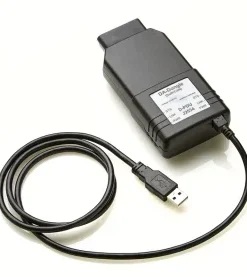
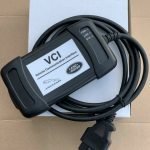
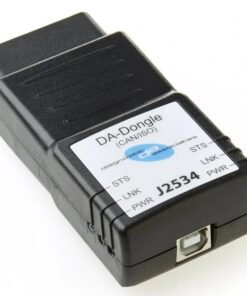
The local server communicates with a DOIP (Diagnostics over Internet Protocol) VCI, which then interfaces directly
with vehicle control modules over the high-speed Ethernet diagnostic network. This architecture ensures that sensitive
programming procedures are isolated from external network instability, providing a secure and predictable programming environment.
Hypothetical Step-by-Step Workflow for CCF Editing
Disclaimer: The following process is a generalized technical overview. Always consult official JLR TOPIx
documentation for vehicle-specific procedures.
- Vehicle Preparation
Connect a professional-grade, stable power supply to the vehicle battery to eliminate voltage fluctuation.
Connect the DOIP VCI to the OBD port and to the PC running JLR Pathfinder Offline. - Vehicle Identification
Launch Pathfinder and identify the vehicle via VIN. The system loads the corresponding reference CCF from the local database. - Read As-Built Configuration
Perform a full vehicle network scan and read the existing configuration from the target control module
(e.g., CJB, BCM, or Infotainment Control Unit). - CCF Modification
Access engineering-level configuration menus and locate parameters related to the desired feature
(for example, enabling a rear-view camera after retrofit). Modify and validate the values. - Programming and Validation
Write the updated CCF back to the module, reset the control unit, and perform a post-programming diagnostic scan
to confirm successful configuration.
Essential Tools for JLR Pathfinder Offline Operation
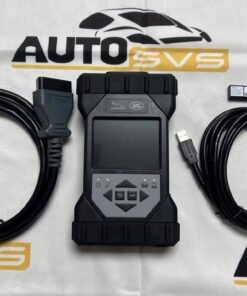
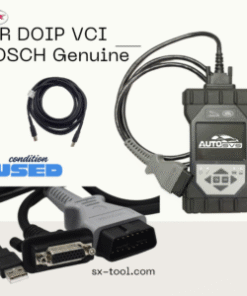
- JLR-Approved DOIP VCI
High-speed Ethernet-based diagnostics are mandatory. Generic OBD interfaces are insufficient for reliable programming. - Stable Power Supply
A 30–40A regulated battery support unit is non-negotiable. Voltage instability during programming can permanently damage control modules. - High-Performance Laptop
A modern Windows 10/11 system with SSD storage, sufficient RAM, and stable networking is required to host the local server. - Licensed Software Environment
This includes JLR Pathfinder Offline, supporting data packs, and integration with JET (JLR Engineering Tool).
For a verified and professionally supported installation package, technicians often rely on specialized providers offering
JLR Pathfinder Offline solutions via TOPIx Cloud infrastructure.
Common Challenges and Expert-Level Solutions
Configuration Incompatible Errors
Typically caused by outdated local databases. Ensure Pathfinder data packs are kept current to match modern vehicle software levels.
VCI Communication Failures
Often the result of incorrect PC network configuration. Best practice is to disable all unused network adapters
(Wi-Fi, Bluetooth) during programming.
Programming Interruptions
Almost always linked to voltage instability. Always confirm correct power supply voltage and amperage before initiating programming.
Devices Required for JLR Pathfinder Offline
To operate JLR Pathfinder Offline reliably, technicians require a certified DOIP VCI,
a professional-grade stable power supply, and a dedicated high-performance Windows laptop.
A complete, ready-to-use solution is available through TOPIx Cloud, offering integrated software,
installation guidance, and technical support.
Frequently Asked Questions (FAQ)
Is JLR Pathfinder the same as SDD or JEDI?
No. SDD and JEDI are dealer-level diagnostic tools. JLR Pathfinder, often referred to as JET,
is an engineering-level system providing deeper access for advanced programming and CCF editing.
Can any DOIP interface be used?
For stability and safety, a JLR-approved DOIP VCI is strongly recommended.
Why use the offline version if TOPIx is cloud-based?
The offline system ensures uninterrupted programming during long or critical procedures where internet instability could cause failure.
Conclusion
JLR Pathfinder Offline is an indispensable platform for any serious JLR specialist workshop.
It enables engineering-level diagnostics, controlled OEM Retrofit programming, and resolution of complex
vehicle configuration issues that are impossible to address with basic diagnostic tools.
Successful use depends on professional equipment, including a DOIP VCI, stable power supply,
and a deep understanding of JLR’s CCF architecture.
For technicians committed to advancing their diagnostic capability, mastering Pathfinder is a strategic investment.
For reliable access to professional tools, licensed software, and expert support for advanced JLR diagnostic programming
and OEM retrofit upgrade tasks, visit jlrupgrades.com.