






Technical Overview of JLR Configurable Dynamics
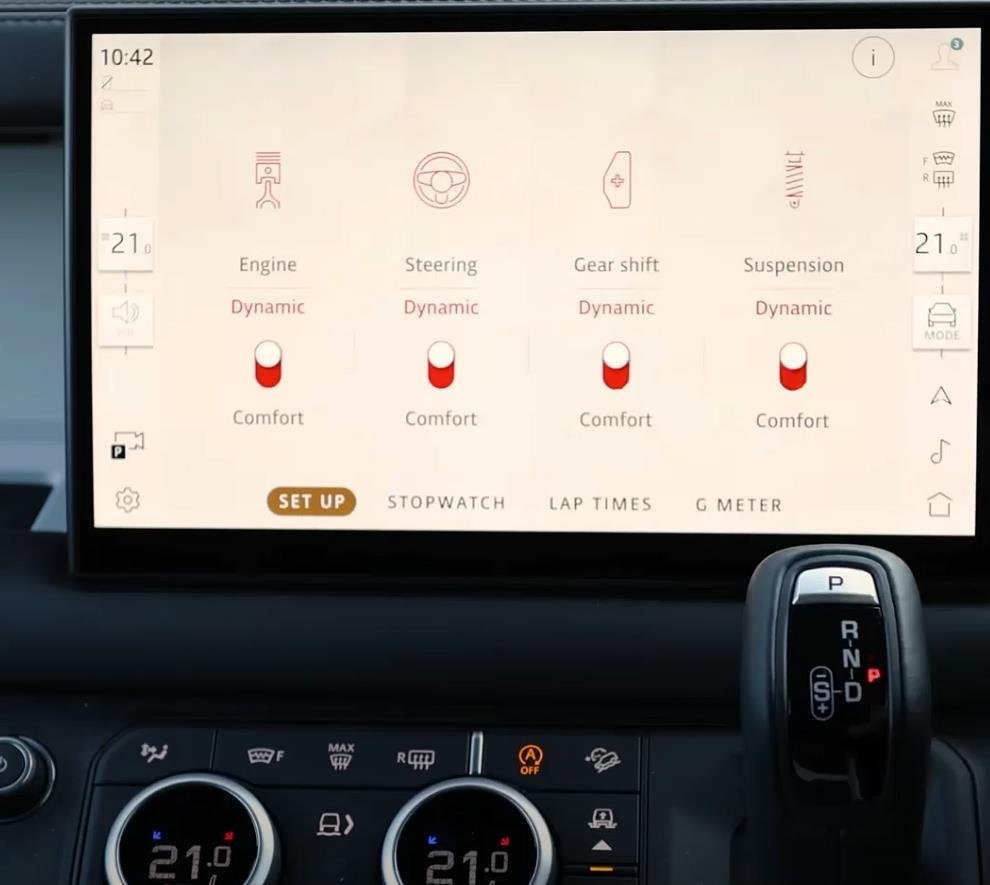
JLR Configurable Dynamics is an advanced feature that decouples the individual parameters typically bundled within standard drive modes (e.g., Comfort, Dynamic). It provides an interface for the driver to independently tailor the character of several key vehicle systems to their personal preference.
System Logic and Module Integration
The system distributes its functionality across multiple vehicle control modules. Moreover, the central vehicle configuration coordinates these modules. Key customizable areas include:
- Powertrain: The Powertrain Control Module (PCM) allows for selection between different throttle maps (e.g., relaxed vs. sharp response) and, on automatic vehicles, transmission shift maps (e.g., comfort-oriented vs. sporty, hold gears longer).
- Steering: The Power Steering Control Module (PSCM) can be configured to offer adjustable levels of power steering assist, altering the steering weight and feedback felt by the driver.
- Suspension: On vehicles equipped with Adaptive Dynamics, the Suspension Control Module (SCM) can be unlocked to allow manual selection of damper firmness, independent of other systems.
The CCF acts as the master switch, enabling the “Configurable Dynamics” menu within the Instrument Cluster (IC) or Touchscreen and informing the respective control modules to accept individual configuration commands from the driver.
Hypothetical Step-by-Step Process for Activation
Disclaimer: This is a generalized procedural outline. Always consult official JLR technical documentation for vehicle-specific instructions. Incorrect powertrain or chassis configuration can affect vehicle handling and safety.
- Pre-Programming System Verification: Connect a DOIP VCI to the vehicle. Perform a full diagnostic scan to confirm the health of the PCM, PSCM, and SCM (if applicable). Verify hardware compatibility for the features to be enabled.
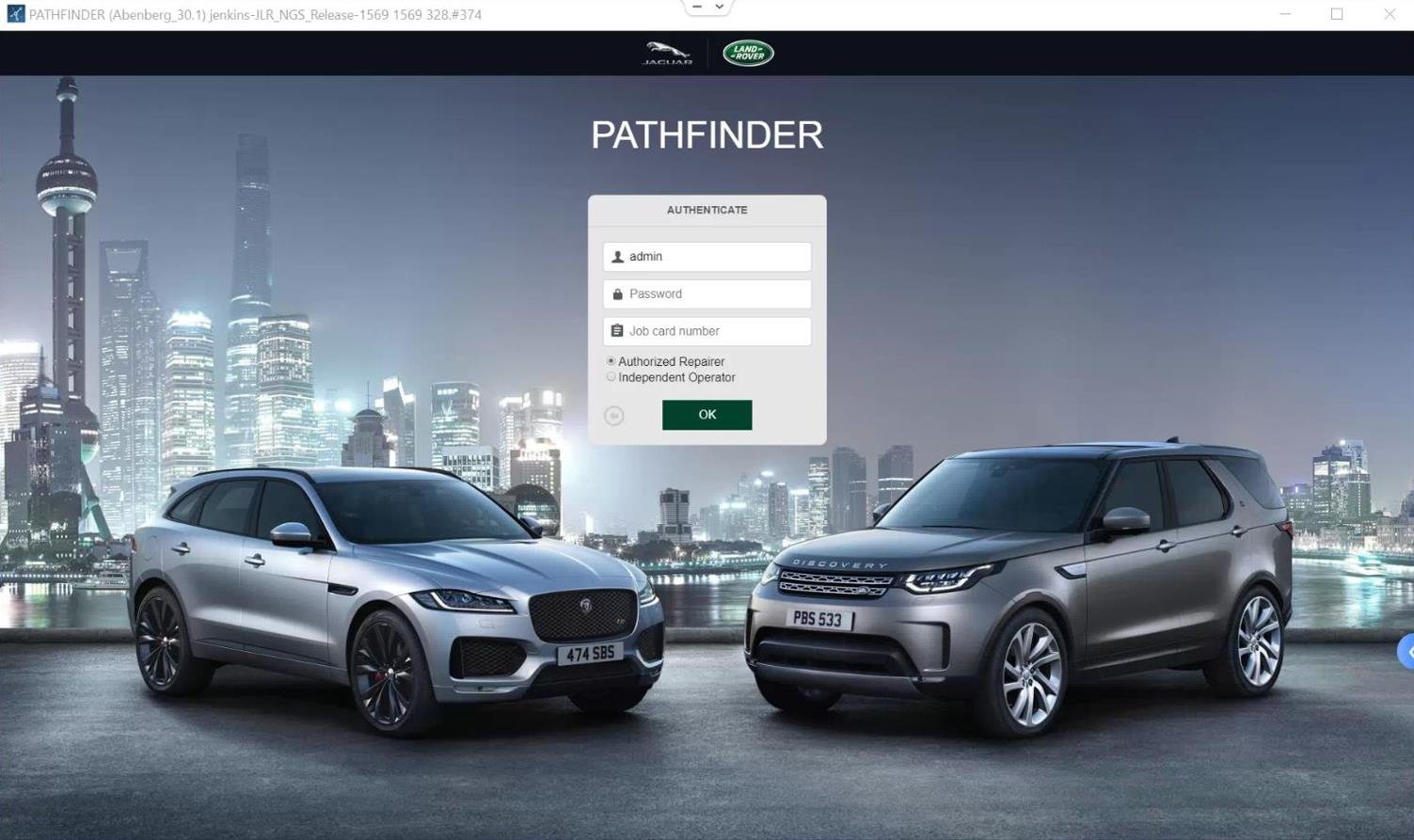
- JET Session Initiation: Log in to the TOPIx cloud platform with a valid subscription. Launch JET, input the VIN, and establish a secure diagnostic session.
- Critical CCF Backup: Before any modification, use JET to read and save a complete backup of the vehicle’s original CCF. This is your essential safety net.
- Configuration Editing: Navigate the CCF tree. Key edits are typically required across multiple modules. Specifically, you must edit the Central Configuration and BCM to enable the master feature. In addition, you need to edit the Instrument Cluster for HMI integration. You also need to edit the PCM, PSCM, and SCM individually. This activates their respective configurable parameters.
- Write and Validate Configuration: Write the modified CCF blocks back to the vehicle. A successful write will be confirmed by the tool. It is often necessary to write to modules individually.
- Module Reset and Sleep Cycle: Perform a module reset/reboot on the affected ECUs. Follow this with a full vehicle sleep cycle (ignition off, vehicle locked for 15+ minutes) to allow all systems to initialize with the new configuration.
- Post-Programming Verification: Wake the vehicle, clear any configuration-related fault codes, and navigate the infotainment menu to verify the “Configurable Dynamics” or “Individual” drive mode is present. Test the functionality of each adjustable parameter in a safe and legal environment.
Essential Toolkit for Configurable Dynamics Programming
This procedure requires professional-grade equipment to ensure data integrity and system safety.
- DOIP VCI: A high-quality Vehicle Communication Interface that supports Diagnostics over Internet Protocol is essential for reliable, high-speed communication with critical powertrain and chassis modules.
- Stable Power Supply: A professional battery maintainer is mandatory. Interruptions during PCM or SCM programming can lead to catastrophic module failure.
- JLR Software Access: An active JLR subscription for TOPIx and the JLR Engineering Tool (JET) is required for secure access to these advanced configuration menus.
- Reliable Programming Hardware: For a precise and reliable process, using a device specifically configured for this task is recommended. Technicians should consider the dedicated JLR Configurable Dynamics programming solution from TOPIx Cloud.
Common Challenges and Technical Resolution
Technicians may encounter specific issues during this process:
- Menu Appears but Settings Don’t Change Driving Feel: This indicates that you enabled the feature in the HMI. However, you did not enable it in the relevant control modules. These include the PCM, PSCM, and SCM. Therefore, you must check and program each module’s CCF individually.
- Fault Codes in Powertrain or Chassis Modules Post-Coding: This can be caused by a configuration mismatch. Using a CCF backup from a vehicle that originally had this feature can help identify the correct parameter set. A full sleep cycle is also crucial to clear transient faults.
- Feature is Unavailable on This Vehicle: This hard-coded message typically appears when the underlying hardware is not compatible (e.g., attempting to enable adaptive suspension configuration on a vehicle with passive dampers).
- Inconsistent System Behavior: First, ensure all related modules are running the latest software level. In some cases, a module software update may be required. This is because the system needs the new CCF configuration to be properly interpreted.
Conclusion
Enabling JLR Configurable Dynamics represents a high-level application of CCF editing that directly transforms the driver-vehicle relationship. Success is contingent upon a meticulous, module-by-module approach, the use of professional tools like a DOIP VCI, and a thorough understanding of the vehicle’s network architecture. Technicians must execute this procedure with precision, acknowledging the significant impact these changes have on core vehicle dynamics and the associated technical and warranty implications.
For technicians and workshops undertaking complex JLR diagnostic programming and performance-oriented JLR OEM retrofits, accessing reliable tools and expert support is crucial. For more information on specialized equipment and professional guidance, visit jlrupgrades.com.