





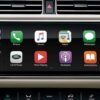
JLR Android AUTO Activate and Enable (Land Rover Jaguar): A CCF Programming Protocol
For the professional technician, the ability to manipulate the Car Configuration File (CCF) using the JLR Engineering Tool (JET) represents the pinnacle of vehicle system authority. This process moves beyond basic diagnostics into the realm of factory-level customization. A prevalent and technically demanding request is the JLR Android AUTO activate and enable procedure for vehicles equipped with the requisite hardware but lacking the activated software license. This task exemplifies the critical application of advanced JLR diagnostics to meet modern consumer expectations for smartphone integration, solving the common problem of a hardware-capable vehicle missing a key software-enabled feature.
Technical Architecture of Android Auto Activation
Android Auto functionality in applicable Land Rover and Jaguar vehicles is not a standalone application but a licensed feature integrated into the infotainment system’s core software. The specific parameter blocks within the CCF of the primary infotainment module—typically the Touchscreen Pro (TSPro) or Head Unit—control the activation state. Enabling it is not an installation of new software but a change in the configuration flag from a disabled state (e.g., `00` or `Disabled`) to an enabled state (e.g., `01` or `Enabled`).
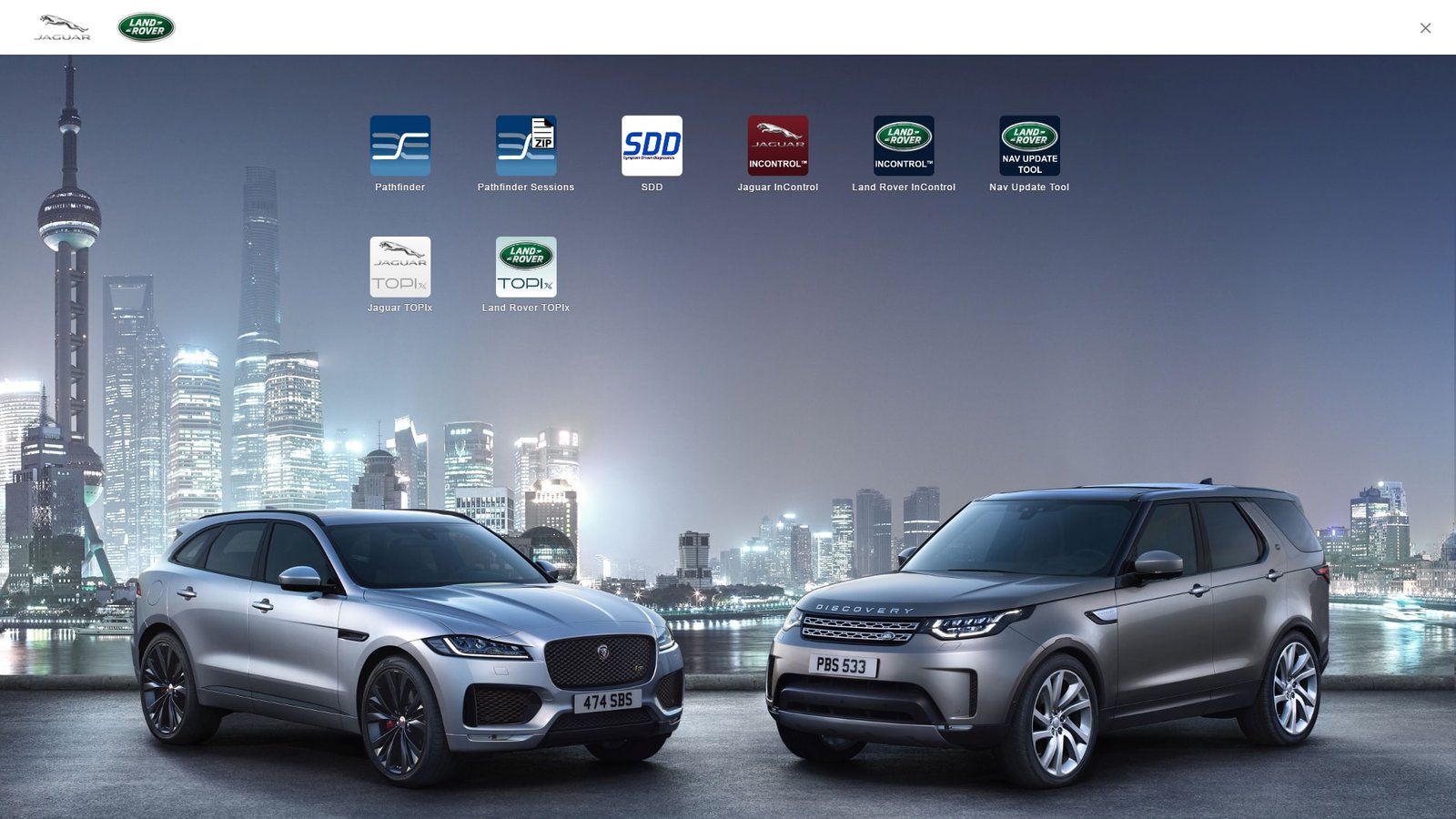
The procedure requires a direct, authenticated diagnostic session with the vehicle’s DOIP (Diagnostics over Internet Protocol) network. The technician must locate the precise parameter, which is often found under the connectivity or projection menus within the CCF hierarchy and is uniquely mapped per vehicle model, model year, and infotainment software level. This makes access to accurate and current CCF data, such as that provided via the TOPIx cloud platform, indispensable.
Hypothetical Step-by-Step Process Flow
- Pre-Diagnostic Preparation: Connect an approved, regulated power supply to the vehicle to maintain system voltage above 12.8V throughout the session.
- Vehicle Communication Interface: Establish a connection using a certified DOIP VCI (e.g., Mongoose Pro JLR, G-SUITE II). Ensure the interface is correctly recognized by the diagnostic PC.
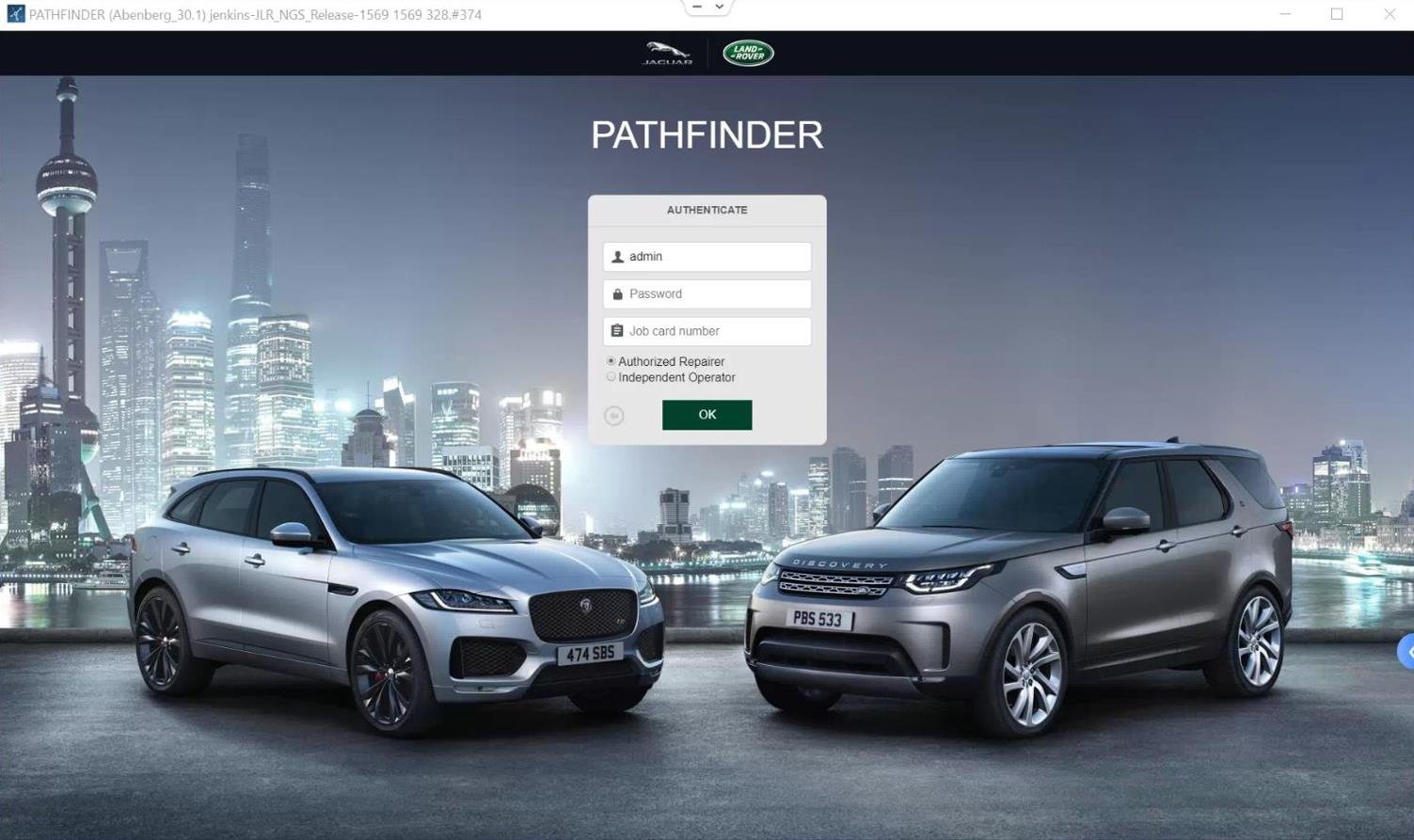
- Engineering Tool Initialization: Launch JET or an equivalent authorized programming application. Authenticate and establish a session with the vehicle using the VCI.
- Module Selection & CCF Read: Navigate to the CCF editor module. Identify and select the Infotainment Control Module (ICM/TSPro). Perform a full read of the current CCF and save a backup locally.
- Parameter Identification and Edit: Within the CCF data tree, locate the parameter for “Google Device Projection” or “Android Auto.” Change its value from “Not Activated” or “Disabled” to “Activated” or “Enabled.”
- CCF Write-Back and Module Reset: Write the modified CCF back to the vehicle module. The tool will prompt for a module reset; confirm to reboot the infotainment system.
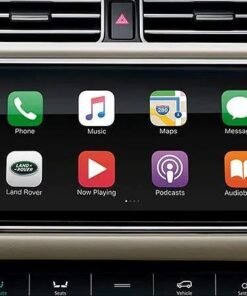
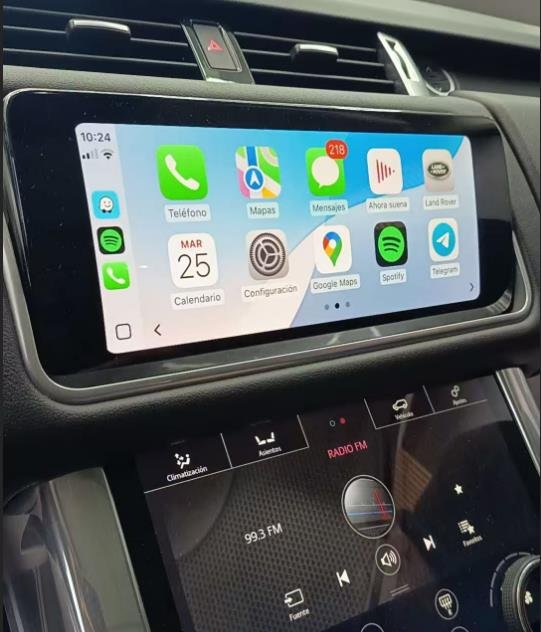
- Post-Programming Validation: Perform a complete key-off cycle and allow the vehicle to enter sleep mode (minimum 5 minutes). Restart, navigate to Phone Projection settings, and connect an Android device via USB to confirm Android Auto functionality.
Mandatory Tooling for Reliable Activation
Success and safety in this procedure are contingent on using the correct professional equipment:
- JLR-Certified DOIP VCI: A fundamental requirement. Non-compliant interfaces will fail during security access or CCF writing, potentially causing faults. Examples include the Mongoose Pro JLR or G-SUITE II.
- Regulated Power Supply: A 30-40A battery maintainer is non-negotiable to prevent network voltage drops during the critical CCF write phase.
- Engineering Software & Licenses: Valid access to JLR JET or a dedicated, proven programming suite with CCF editing capabilities for the target vehicle range.
- Accurate CCF Data Source: Parameter locations vary. Reliance on outdated or incorrect data can lead to failed activations or unintended configuration changes.
Technicians seeking a consolidated, supported solution for this procedure can evaluate a dedicated professional package designed for this task: JLR Android AUTO Activate and Enable toolkit.
Common Technical Challenges & Resolution Strategies
Security Access Denied Errors
This indicates an authentication failure with the module, often due to an incorrect VCI driver, outdated software, or an incompatible interface. Solution: Verify VCI compatibility, update all diagnostic software and VCI firmware to the latest versions, and ensure a stable internet connection for TOPIx or JET authentication.
CCF Write Incomplete or Corrupted
The process may hang or report failure partway through writing. This is frequently a power or network stability issue. Solution: Double-check the external power supply connections and amperage. Make sure no other diagnostic sessions are running on the vehicle network and that all vehicle doors, hood, and trunk are closed to minimize network activity.
Activation Not Present After Programming
The setting appears enabled but the vehicle’s menu does not show Android Auto. Solution: This often requires a “Total Vehicle Reset” (TVR) or a specific infotainment master reset via the vehicle settings menu after the CCF edit. Always perform a full sleep cycle before final verification.
Vehicle-Specific Parameter Variations
The software level may cause the expected parameter to be named differently or located in an unexpected CCF block. Solution: Cross-reference the vehicle’s VIN and module software version against a reliable database. In JET, use the search function within the CCF editor for keywords like “Google” or “Android.”
Frequently Asked Questions (FAQ)
Does this procedure work on all JLR vehicles with a touchscreen?
No. It is only applicable to vehicles with the supported hardware, typically those with InControl Touch Pro or later systems (e.g., from circa 2016/2017 onward for most models). Earlier Touch systems lack the necessary hardware architecture.
Will enabling Android Auto disable Apple CarPlay?
No. The two features are controlled by separate parameters within the CCF. Both can be, and typically are, enabled simultaneously on compatible vehicles, allowing for dual smartphone projection support.
Can this be done with generic OBD-II tools or smartphone apps?
Absolutely not. This process requires security-level access to the CCF via the DOIP protocol, which is only possible with specialized, JLR-approved VCI hardware and engineering software. Generic tools lack this capability.
What if the CCF edit causes other systems to malfunction?
This underscores the necessity of creating a full backup of the original CCF before any edits. If an issue arises, the original CCF can be written back to the module to restore the factory configuration.
Conclusion
The JLR Android AUTO activate and enable procedure is a definitive exercise in advanced JLR diagnostics and coding. It demands a meticulous approach, underpinned by professional-grade tools: a certified DOIP VCI, stable external power, and authoritative software like JET. Understanding the technical workflow—from secure module access and precise CCF editing to post-programming validation—is critical for a clean, first-time success. Mastering this not only addresses a high-demand customer upgrade but also solidifies a technician’s expertise in the JLR vehicle electronic architecture. To access reliable tools, software, and expert support for complex JLR diagnostic programming and genuine JLR OEM retrofits, visit jlrupgrades.com for detailed information and resources.
Call to Action: To perform this advanced procedure with the confidence of factory-level tooling, ensure you have the correct integrated solution. Explore the professional JLR Android AUTO Activate and Enable toolkit here.
Tags: JLR Android AUTO activate and enable, Land Rover Android Auto programming, Jaguar CCF edit, JLR Engineering Tool JET, DOIP VCI diagnostics, Android Auto activation JLR, TOPIx cloud programming
Long-tail Keywords: how to enable Android Auto on Land Rover Touch Pro, professional JLR Android Auto activation tool kit, fix Android Auto not available in Jaguar, CCF programming for JLR smartphone projection, JLR DOIP VCI setup for feature coding.