







Technical Deep Dive: Enabling LAND ROVER Unlimited Fog Lights via CCF Editing
For the professional JLR technician, mastery of the JLR Engineering Tool (JET) and Car Configuration File (CCF) editing represents the pinnacle of vehicle programming. This capability moves beyond basic diagnostics into the realm of deep vehicle personalization and feature activation. A quintessential example of this advanced coding is the activation of LAND ROVER Unlimited fog lights—a procedure that unlocks the full potential of the vehicle’s lighting system, allowing fog lights to be used independently of other lights, a function often restricted by factory settings. This article provides a comprehensive, technical guide to this advanced modification.
Understanding the Technical Foundation of Unlimited Fog Lights
The restriction on fog light operation is not a hardware limitation. Instead, it is a software one. Specifically, the vehicle’s Car Configuration File (CCF) governs this behavior. The CCF functions as a binary database. In essence, it tells each module how to behave. For lighting, the primary module involved is typically the Body Control Module (BCM) or a dedicated Lighting Control Module.
CCF Parameter Modification
The “Unlimited fog lights” function is controlled by specific Boolean (True/False) or enumerated state parameters within the CCF. The factory setting is usually configured to “DippedBeam” or “ParkingLight,” meaning the fog lights are only enabled when those specific circuits are active. The modification involves locating the relevant parameter—often named descriptively like `FogLightWithoutLowBeam` or `FoglightStandaloneActivation`—and changing its state to “True” or “Enabled.” This tells the lighting module to decouple the fog light relay logic from the low-beam circuit.
Hypothetical Step-by-Step Process for CCF Editing
Warning: This is a generalized overview. Specific module names and parameter paths vary by model year and architecture (e.g., Vehicle Architecture vs. Elevated Architecture). Always back up the original CCF.
- Vehicle Preparation: Connect a stable power supply to the vehicle battery to prevent voltage drop during programming, which can brick a module.
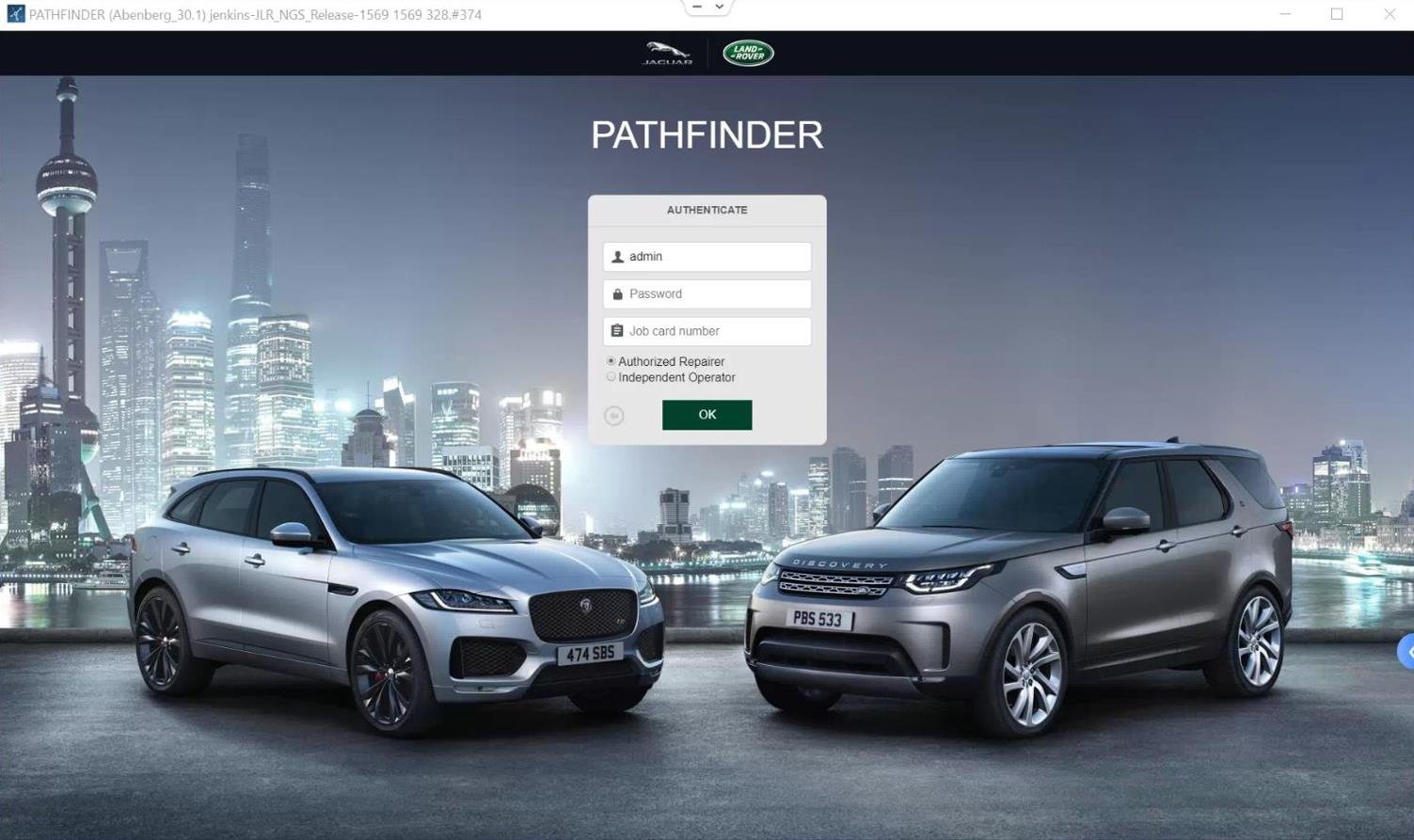
- Establish Communication: Connect a capable DOIP VCI to the vehicle’s OBD-II port and your PC. Launch JLR Engineering Tool (JET) via TOPIx.
- Read CCF: Identify and connect to the Body Control Module. Perform a “Read Configuration” to download the current CCF to your workspace.
- Locate and Edit Parameter: Within the CCF editor, navigate the parameter tree to the lighting section. Find the fog light standalone activation parameter and change its value.
- Validate and Write: Validate the edited CCF for errors. Execute a “Program Module” or “Write Configuration” to flash the modified CCF back to the vehicle.
- Test Functionality: Cycle ignition, and test the fog light switch with the headlights off. The fog lights should now operate independently.
Essential Tools and Software for the Task
Attempting this without the correct tools will result in failure or damage.
- Diagnostic Interface: A genuine or high-quality DOIP (Diagnostics over Internet Protocol) VCI is non-negotiable for modern JLR vehicles. Legacy CAN-based interfaces will not support secure diagnostic sessions.
- Software & Access: Official JLR Engineering Tool (JET) software subscription accessed through the TOPIx cloud portal. This requires a valid, licensed account with programming permissions.
- Stable Power Supply: A 30-40A regulated power supply is mandatory to maintain network voltage during the flash write cycle.
Common Challenges and Technician Errors
- VCI Incompatibility: Using an inferior clone interface often leads to communication timeouts or checksum errors during programming. Solution: Invest in a reliable, proven DOIP VCI.
- Incorrect Parameter Editing: Changing the wrong parameter or value can cause unexpected behavior in other lighting functions. Solution: Cross-reference parameter names with known-good documentation or databases from trusted sources.
- Voltage Drop During Flash: The most catastrophic error. Solution: Never attempt programming without a connected power supply, even on a fully charged battery.
- Session Security & Token Issues: JET sessions require valid security tokens. Solution: Ensure your TOPIx subscription is active and has the necessary credits for programming operations.
Required Devices and Solution Package
For technicians seeking a guaranteed, tested, and supported solution for this and countless other retrofits, the process is streamlined with pre-configured packages. The specific hardware and software required are bundled in dedicated kits. To enable LAND ROVER Unlimited fog lights and many other advanced features with confidence, you can explore the complete, ready-to-use solution package: Unlimited Fog Lights Package.
Frequently Asked Questions (FAQ)
What does “Unlimited fog lights” mean on a Land Rover?
It refers to modifying the vehicle’s software (CCF) to allow the front fog lights to be turned on independently, without the requirement of the low-beam or parking lights being active, which is the standard factory setting.
Can I enable this with a generic OBD-II scanner?
No. This requires deep CCF editing with the official JLR Engineering Tool (JET). Generic scanners cannot perform secure diagnostic programming on JLR modules.
Is there a risk of damaging the vehicle’s electronics?
Yes, if procedures are not followed correctly. The primary risks are a corrupted module due to a power interruption during flashing or incorrect parameter changes. Using a stable power supply and a reliable DOIP VCI is critical to mitigate this.
Do I need an internet connection to perform the coding?
Yes. JET via TOPIx cloud requires an active internet connection to validate security tokens and license permissions for programming sessions.
Conclusion
Successfully enabling LAND ROVER Unlimited fog lights is a clear demonstration of advanced technical skill in JLR vehicle programming. The process hinges on precise CCF editing using the correct tools—a capable DOIP VCI, the official JET software, and a stable power supply. By understanding the technical rationale, following a meticulous process, and anticipating common pitfalls, technicians can deliver valuable customization that enhances vehicle functionality and owner satisfaction.