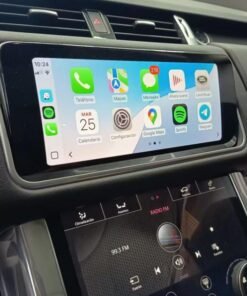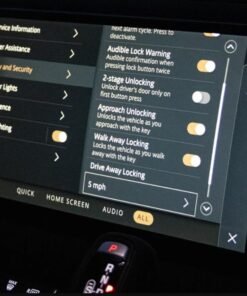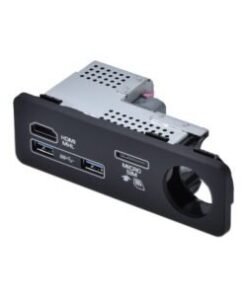







JLR Carplay Activate Enable (Land Rover Jaguar): Mastering the CCF Programming Procedure
For the professional JLR technician, proficiency with the JLR Engineering Tool (JET) and Car Configuration File (CCF) editing is a non-negotiable skill set. It is the gateway to authorized-level vehicle personalization, feature activation, and retrofits. A critical and frequently requested procedure is the JLR Carplay Activate Enable for vehicles that left the factory with the hardware but not the software license enabled. This process is a quintessential example of using factory-grade tools to fulfill customer expectations and enhance vehicle functionality, moving beyond simple diagnostics into the realm of advanced coding.
Technical Overview: Enabling CarPlay via CCF Manipulation
The software license flag within the vehicle’s complex network of control modules typically governs Apple CarPlay integration in JLR vehicles. The primary module involved is the Touchscreen Pro (TSPro) or the Head Unit, depending on the Infotainment generation (InControl Touch or Touch Pro). The activation status is stored in its CCF—a file containing hundreds of configuration parameters.
The JLR Carplay Activate Enable process involves connecting to the vehicle via a DOIP (Diagnostics over Internet Protocol) capable VCI, reading the current CCF from the target module, locating the specific Apple CarPlay parameter (often labeled as “Apple Device Projection” or similar), and changing its value from ‘Disabled’ or ‘Not Present’ to ‘Enabled’. The system writes the change back to the module, followed by a module reboot and potentially a complete vehicle sleep cycle. The procedure does not install new software; it unlocks a pre-existing capability within the module’s software suite.
Hypothetical Step-by-Step Process Flow
- Vehicle Preparation: Connect a stable external power supply to the vehicle. Ensure the battery voltage remains above 12.8V throughout.
- Tool Connection: Establish a connection between the vehicle’s DOIP port and your diagnostic PC using a compliant JLR DOIP VCI.
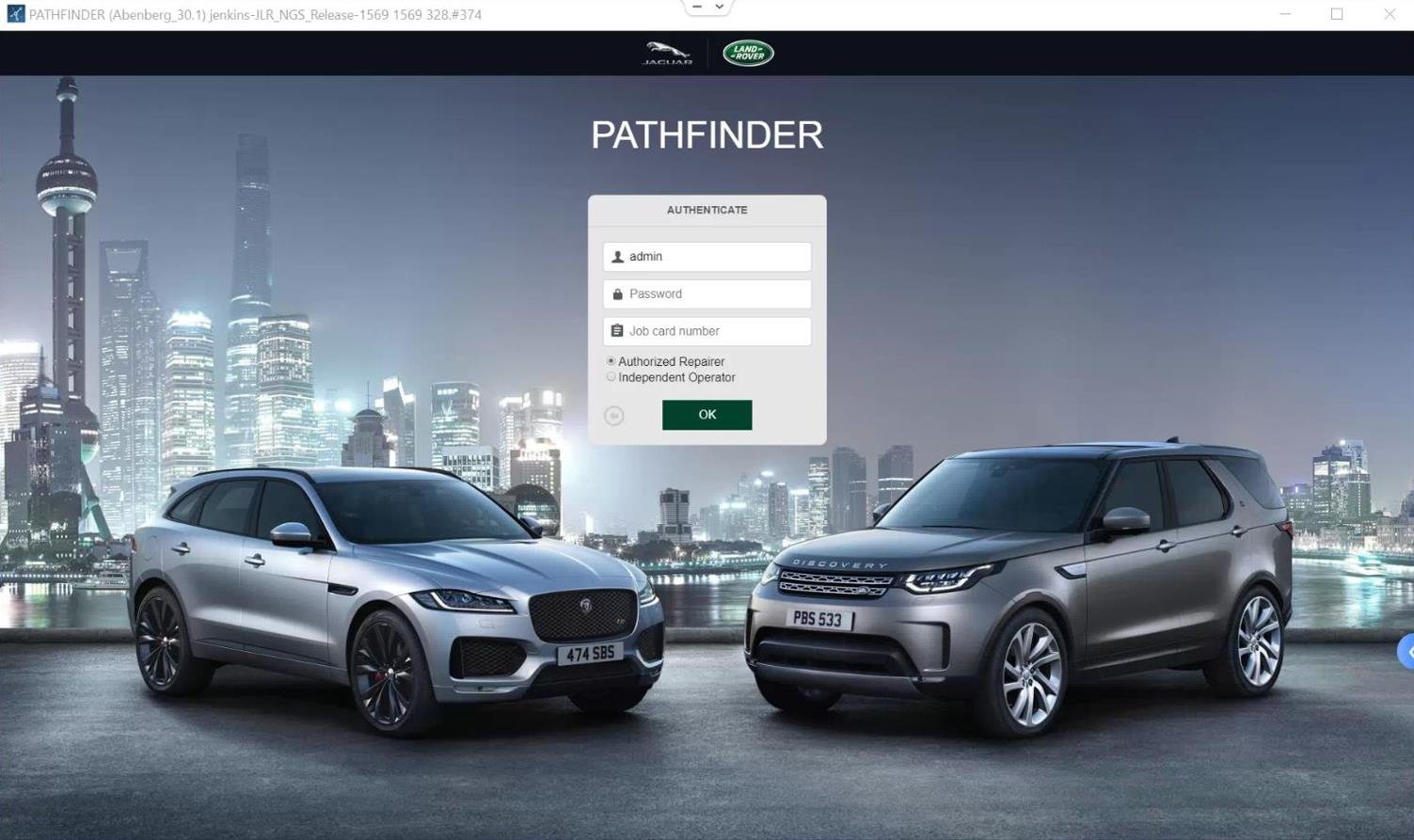
- Session Initiation: Launch the JLR Engineering Tool (JET) or approved alternative software and authenticate. Navigate to the CCF Editor function.
- Module Selection & CCF Read: Identify and select the Infotainment Head Unit/TSPro module. Read the current CCF from the module and download it to the tool.
- Parameter Edit: Within the CCF tree structure, locate the “Connectivity” or “Projection” section. Find the “Apple CarPlay” parameter and modify its value to “Enabled”. Save the modified CCF file.
- CCF Write & Module Reset: Write the modified CCF back to the vehicle module. Follow tool prompts to reset the module. This will cause the screen to go blank and reboot.
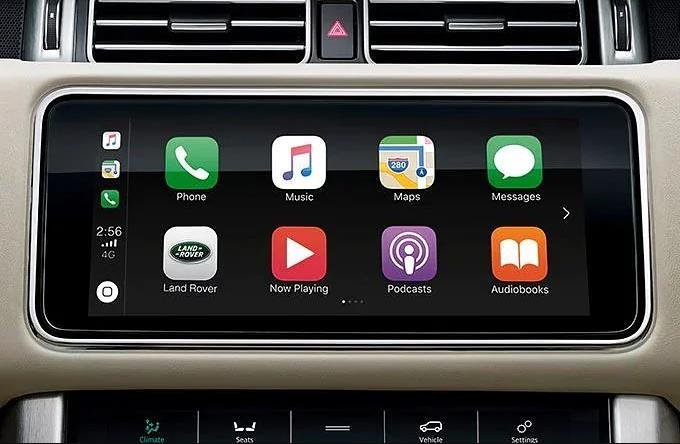
- Validation: Perform a key cycle (vehicle sleep for >5 minutes). Upon restart, check the phone projection menu on the vehicle’s screen. Connect an iPhone via USB to confirm CarPlay activation.
Essential Toolkit for JLR CarPlay Activation
Attempting this without the correct hardware is futile and risks module corruption. The mandatory setup includes:
- JLR-Approved DOIP VCI: A genuine or fully compliant DOIP VCI (e.g., G-SUITE II, Mongoose Pro, or equivalent) is essential for reliable high-speed data transfer to modern JLR vehicles.
- Stable Power Supply: A 30A+ regulated power supply/charger to prevent network shutdowns during programming.
- Engineering Software Access: Valid credentials and a licensed copy of JLR JET or a dedicated, reputable coding solution like TOPIx cloud-based systems with CCF editing capability.
- Vehicle-Specific CCF Data: Accurate knowledge or a reliable database of parameter locations for the specific vehicle model and infotainment system year.
For technicians seeking a comprehensive and reliable solution that bundles the necessary software intelligence and support, a dedicated package is often the most efficient path. You can explore a professional JLR Carplay Activate Enable toolkit here.
Common Challenges & Technical Pitfalls
VCI Communication Failures
Using a non-compliant or cloned VCI often results in “Session Start Failure” or corrupt CCF writes. Solution: Invest in a certified DOIP VCI. Ensure all drivers and firmware are updated.
Incorrect Parameter Editing
Editing the wrong parameter or incorrect CCF block can disable other functions. Solution: Always create a backup of the original CCF. Use verified parameter maps specific to the vehicle’s VIN and module software level.
Low Voltage DTCs Post-Programming
Modules may throw low-voltage codes if the power supply dipped during the write. Solution: Verify power supply stability, clear codes after the procedure, and perform a full vehicle sleep cycle.
Activation Not Persisting
Sometimes, the change appears to revert. Solution: This often indicates an incomplete module reset or a conflict with another coded parameter. Ensure followed all steps and consider a Total Vehicle Reset (TVR) or checking for related configuration blocks that may need alignment.
Frequently Asked Questions (FAQ)
Can I enable CarPlay on any Land Rover or Jaguar?
No. The vehicle must be equipped with the compatible hardware (Touch Pro or later InControl systems). The procedure enables a software license for existing hardware. It is not a hardware retrofit.
Is this the same as a “jailbreak” or third-party activation?
Absolutely not. This is a factory-level procedure using JLR diagnostic protocols to edit the official Car Configuration File (CCF). It is the method used by dealerships to enable the feature.
Will this procedure void my vehicle’s warranty?
Performing any unauthorized CCF editing can affect warranty coverage for related modules. It is a professional procedure recommended only for qualified technicians or enthusiasts who understand the risks.
Do I need an internet connection during the process?
Yes. JET and TOPIx solutions require online authentication and, in some cases, real-time data access to validate the session and access the latest CCF structures.
Conclusion
The JLR Carplay Activate Enable task is a clear demonstration of modern JLR diagnostics and coding expertise. It demands precise tooling—a proper DOIP VCI, stable power, and factory-grade software—alongside a meticulous approach to CCF editing. Understanding the technical workflow, from module selection to parameter editing and post-programming validation, is crucial for a successful outcome. Mastering this procedure not only resolves a common customer request, but also deepens a technician’s understanding of the JLR vehicle architecture. For reliable tools, software, and expert support for complex JLR diagnostic programming and JLR OEM retrofits upgrade tasks, visit jlrupgrades.com.
Call to Action: Ready to execute this procedure with confidence? Ensure you have the correct professional toolkit. Click here to review the JLR Carplay Activate Enable solution designed for workshop professionals.
Tags: JLR Carplay Activate Enable, Land Rover CarPlay programming, Jaguar CCF editing, JLR Engineering Tool, DOIP VCI, JLR diagnostics, TOPIx programming, Touch Pro CarPlay activation
Long-tail Keywords: how to enable Apple CarPlay on Land Rover with JET, professional JLR CarPlay activation tool kit, fix CarPlay not showing in Jaguar InControl, CCF edit for Touch Pro CarPlay, JLR DOIP programming steps for feature activation.